English
17
Positioning your projector
Obtaining a preferred projected image size
Projection dimensions
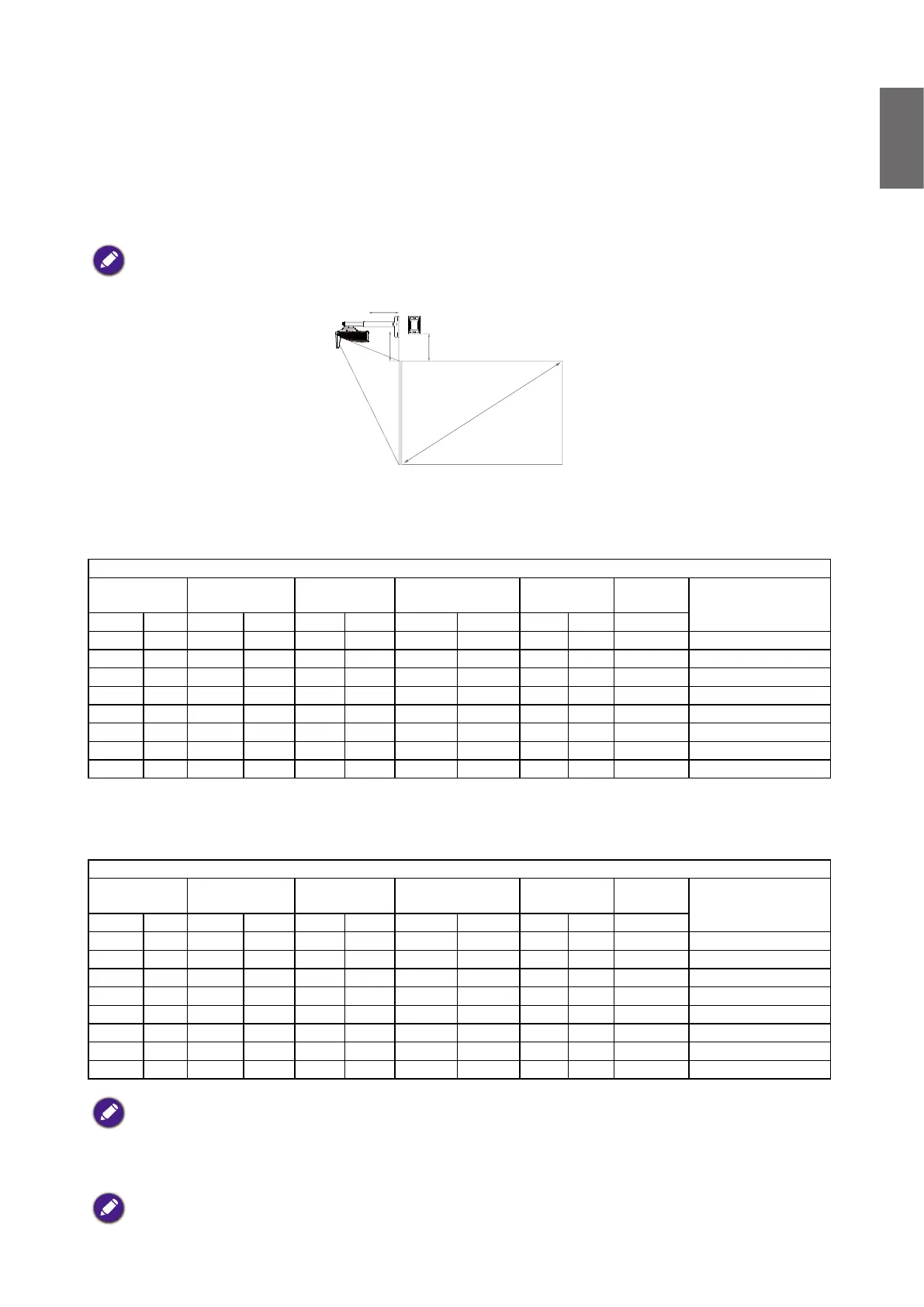
Refer to "Dimensions" on page 21 for the center of lens dimensions of this projector before
calculating the appropriate position.
To install the PointWrite Touch module, download the le “installation guide for PointWrite
Touch module” from the BenQ website.
D
H V
W
h
• LW855UST
The screen aspect ratio is 16:10 and the projected picture is 16:10.
WXGA
Screen Size
(Diagonal)
Screen Width
(W)
Screen Height
(h)
Projection Distance
(D)
Offset
(H)
Scale
Parameter
Distance between
Wall plate & projection
screen (V)
Inch mm Inch mm Inch mm Inch mm Inch mm mm
80 2032 68 1723 42 1077 11. 23 285.4 11. 85 300.9 513 277.1
85 2159 72 1831 45 114 4 12.72 323.1 12.43 315.7 550 292.0
87 2210 74 1874 46 1171 13.31 338.1 12.66 321.7 565 297.9
90 2286 76 1939 48 1212 14.20 360.8 13.01 330.5 588 306.8
92 2337 78 1982 49 1239 14.80 375.8 13.25 336.5 603 312.7
95 2413 81 2046 50 1279 15.69 398.4 13.60 345.4 626 321.6
97 2464 82 2089 51 1306 16.28 413.5 13.83 351.3 641 327.5
100 2540 85 2154 53 1346 17.17 436.1 14.18 360.2 663 336.4
• LH856UST
The screen aspect ratio is 16:9
and the projected picture is 16:9.
1080P
Screen Size
(Diagonal)
Screen Width
(W)
Screen Height
(h)
Projection Distance
(D)
Offset
(H)
Scale
Parameter
Distance between
Wall plate & projection
screen (V)
Inch mm Inch mm Inch mm Inch mm Inch mm mm
81.2 2062 71 1798 40 1011 11. 06 280.9 12.31 312.7 508 289.0
85 2159 74 1882 42 1058 12.16 308.9 12.77 324.4 536 300.6
88.9 2258 77 1968 44 1107 13.29 337.6 13.24 336.3 565 312.5
90 2286 78 1992 44 1121 13.61 345.7 13.37 339.7 573 315.9
92 2337 80 2037 45 114 6 14.19 360.5 13.62 345.8 588 322.0
97 2464 85 2147 48 1208 15.64 397.4 14.22 361.1 625 337.4
100 2540 87 2214 49 1245 16.51 419.5 14.58 370.3 647 346.6
103.3 2624 90 2287 51 1286 17.47 443.8 14.98 380.4 671 356.7
There is 5% tolerance among these numbers due to optical component variations. BenQ recommends that
if you intend to permanently install the projector, you should physically test the projection size and distance
using the actual projector before you permanently install it, so as to make allowance for this projector's
optical characteristics. This will help you determine the exact mounting position so that it best suits your
installation location..
It is recommended to adjust focus 15 minutes after powering on due to the slight shifting of the lens from
temperature changing.



 To Next Page