English
33
Operations
Shutting down the projector
1. Press POWER on the projector or on the
remote control and a conrmation message will
appear prompting you. If you don't respond in a few
seconds, the message will disappear.
2. Press POWER or a second time. The power
indicator ashes orange, the projector shuts down,
and the fans will continue to run for approximately
3 seconds to quick cool down the projector.
3. Once the cooling process nishes, the power indicator becomes a steady orange and fans
stop. Disconnect the power cord from the power outlet.
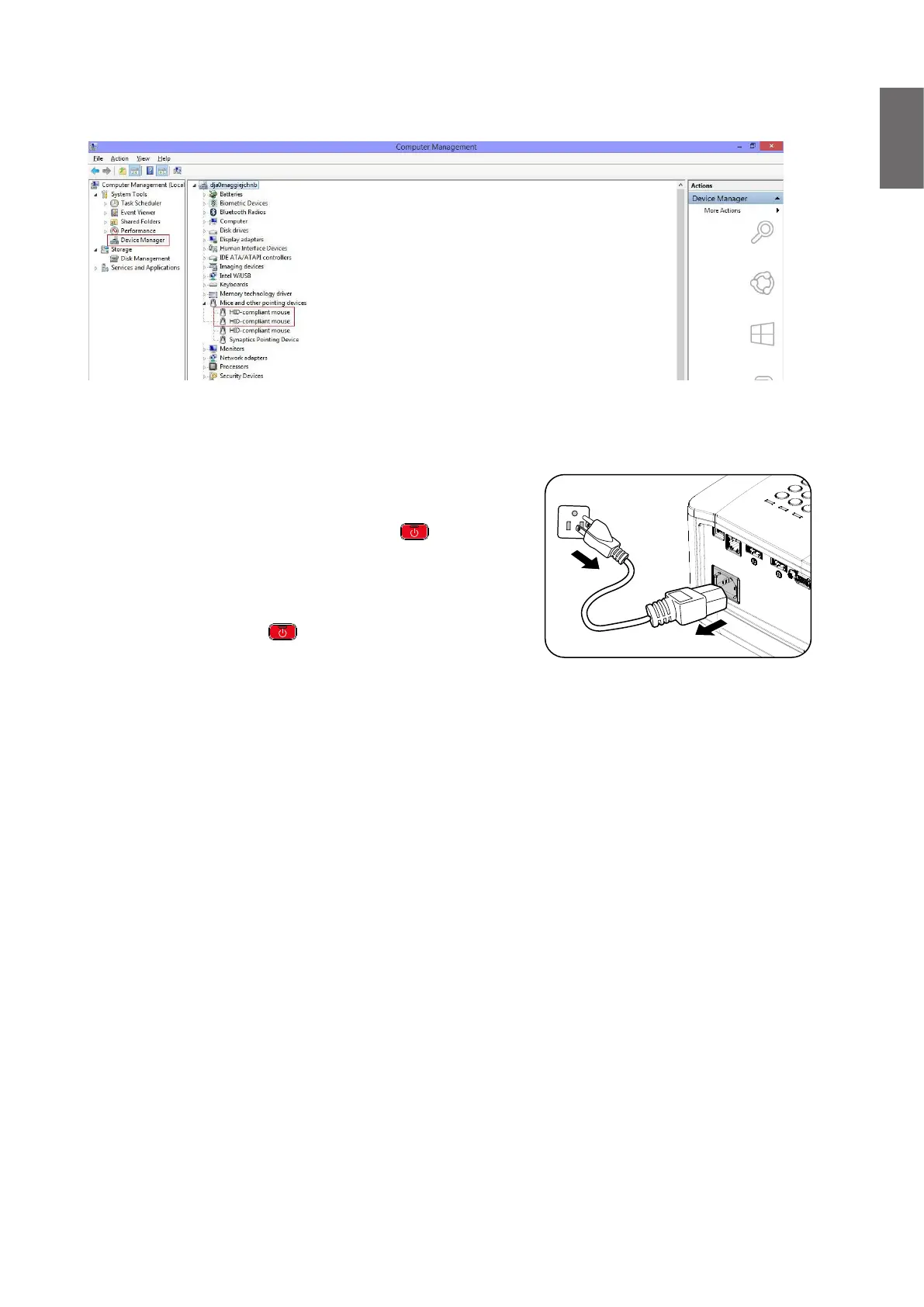
Check Device Manager from your computer to make sure that PointWrite device is recognized by
your computer.
When nishing the PointWrite module installation, please refer to the PW30U user manual for
further instruction.



 To Next Page