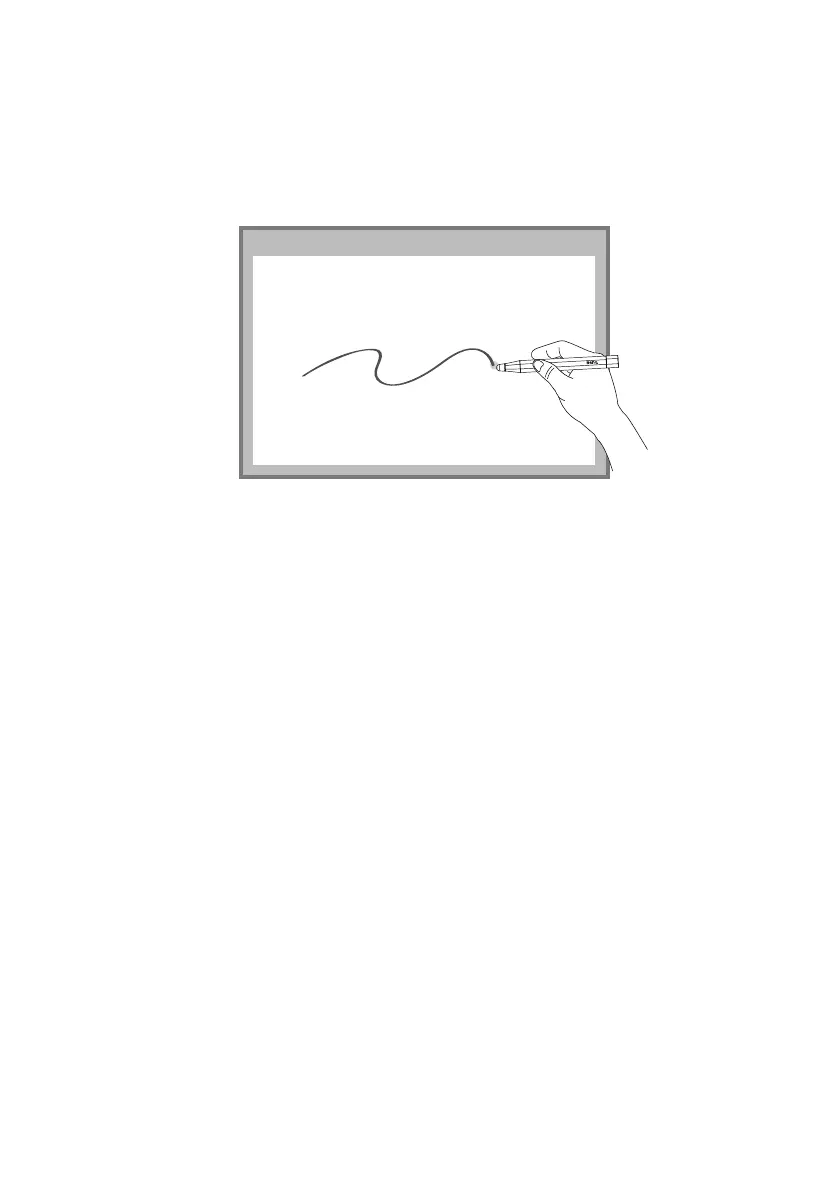
Set up for Interactive Function 15
Start for Interactive Function
After completing calibration, you can use PointWrite pen as mouse function or launch
QWrite software for writing and annotation.
Remark:
*QWrite™ is BenQ exclusive annotation software, please go to BenQ Website to
Download QWrite software.
Notice:
1. To secure the quality of interactive function, we suggest users to adjust projector's
input signal (computer output signal) to the same as projector's Native resolution.
2. If computer's output signal changed upon switching to different PC due to the output
limitation of Graphic card, we suggest to install the set-up driver and redo the
PointWrite Calibration.



 To Next Page