11
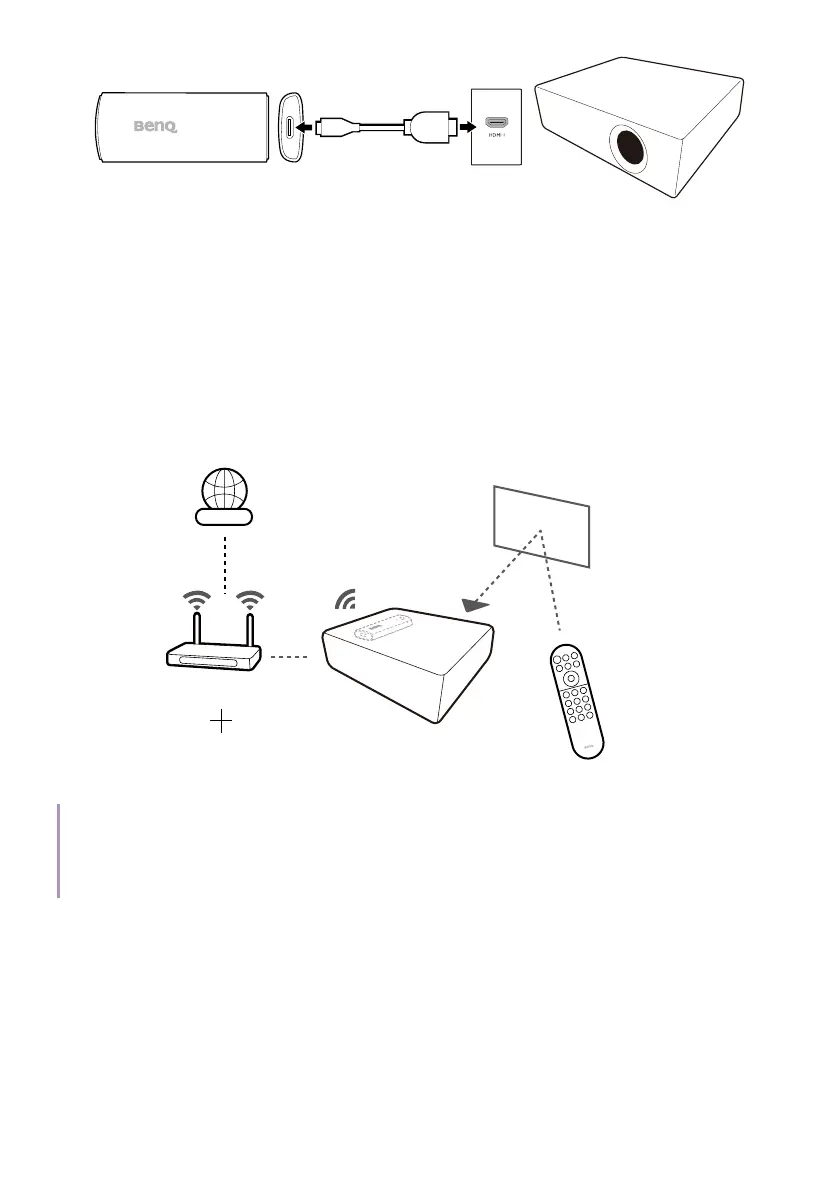
3. Once the dongle has been installed properly, power on the projector
and follow the on-screen instructions to complete the initial setup
with the projector's remote control.
4. Not all settings are required to complete the initial setup. However,
you are required to connect to a wireless network and sign in with
your Google Account to proceed.
5. When you are asked to set up your remote, select Not now.
6. Once the initial setup is complete, the Home screen is displayed. See
Android TV home screen on page 15 for more information.
Internet
Projector's remote control
Wi-Fi
Google Account
Tip
If the projector's remote control has been paired with the QS02 dongle during initial setup process,
you can add other remote controls to control the projector or the dongle. See Adding a new remote
control on page 14 for more information.



 To Next Page