16
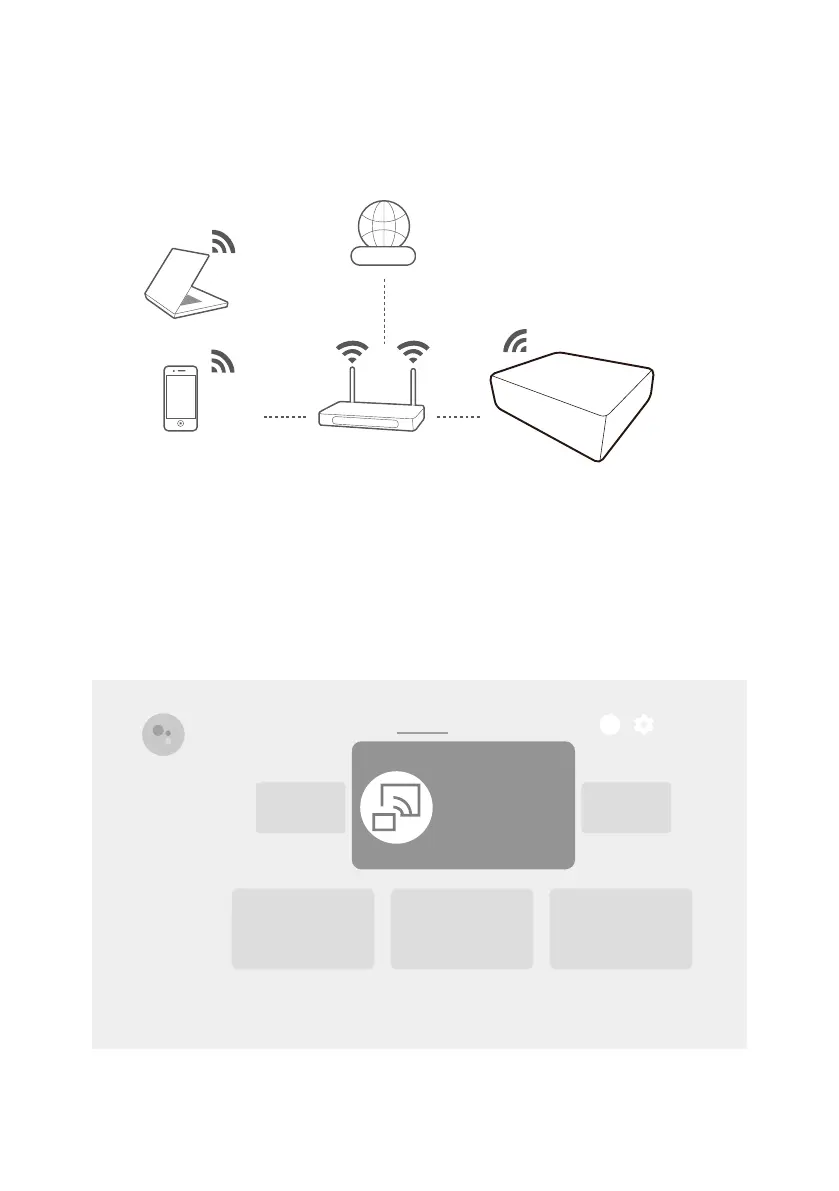
Wireless projection
Before you can project wirelessly via the projector you must first connect
the projector to a wireless network. Depending on your mobile device,
different procedures and options are required. Follow the instructions.
Internet
Wi-Fi
(Projector with QS02)
Wireless projection from an iOS/
macOS device
1. Go to Apps from the Android TV Home screen on the projector, and
launch the Wireless Projection for iOS app.
8:28
1
Wireless
Projection
Search Discover
Apps
Home
2. Follow the on-screen instructions to grant the access right.
3. Connect your mobile device to the same wireless network as the



 To Next Page