8
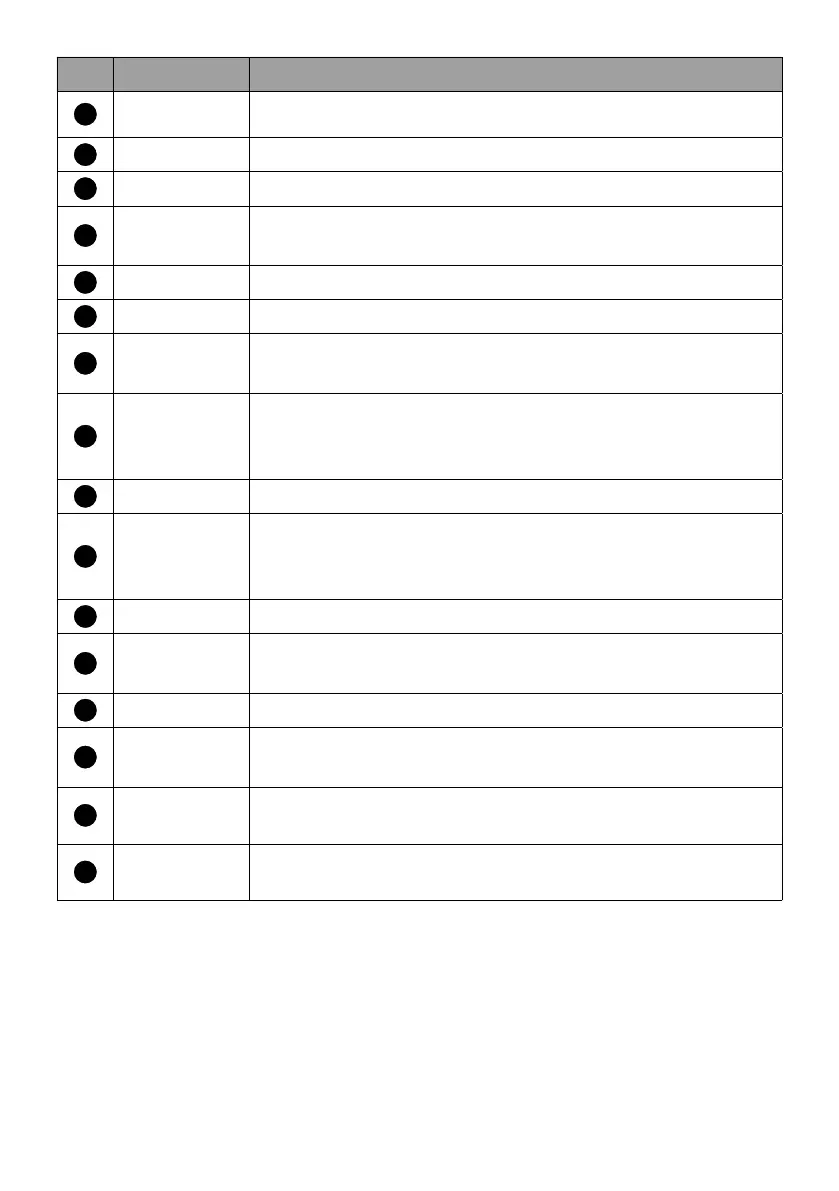
No. Item Descriptions
6
Back Returns to the previous menu.
7
Home Returns to the home screen.
8
Volume up Increases the volume.
9
Volume
down
Decreases the volume.
10
Mute Toggles the projector’s audio on or off.
11
YouTube Opens the YouTube app.
12
Prime video
Accesses Prime Video. A registered account is
required.
13
LED
indicator
Shows the status of the QS02 dongle. See LED
indicator on the remote control on page 9 for
more information.
14
Input Selects an input source.
15
Microphone
Speak into the microphone on the remote control
after pressing the Google Assistant button to control
your TV with your voice.
16
Settings Access QS02 Settings.
17
Open Live
TV EPG
Open Live TV EPG. A Google account is required.
18
Channel up Goes to the next channel.
19
Channel
down
Goes to the previous channel.
20
Netflix Accesses Netflix. A registered account is required.
21
Disney+ Accesses Disney+. A registered account is required.



 To Next Page