Android system interface 57
Multimedia files
Multimedia files such as images, audio files, and videos can be played by directly tapping
on the file icon.
Image
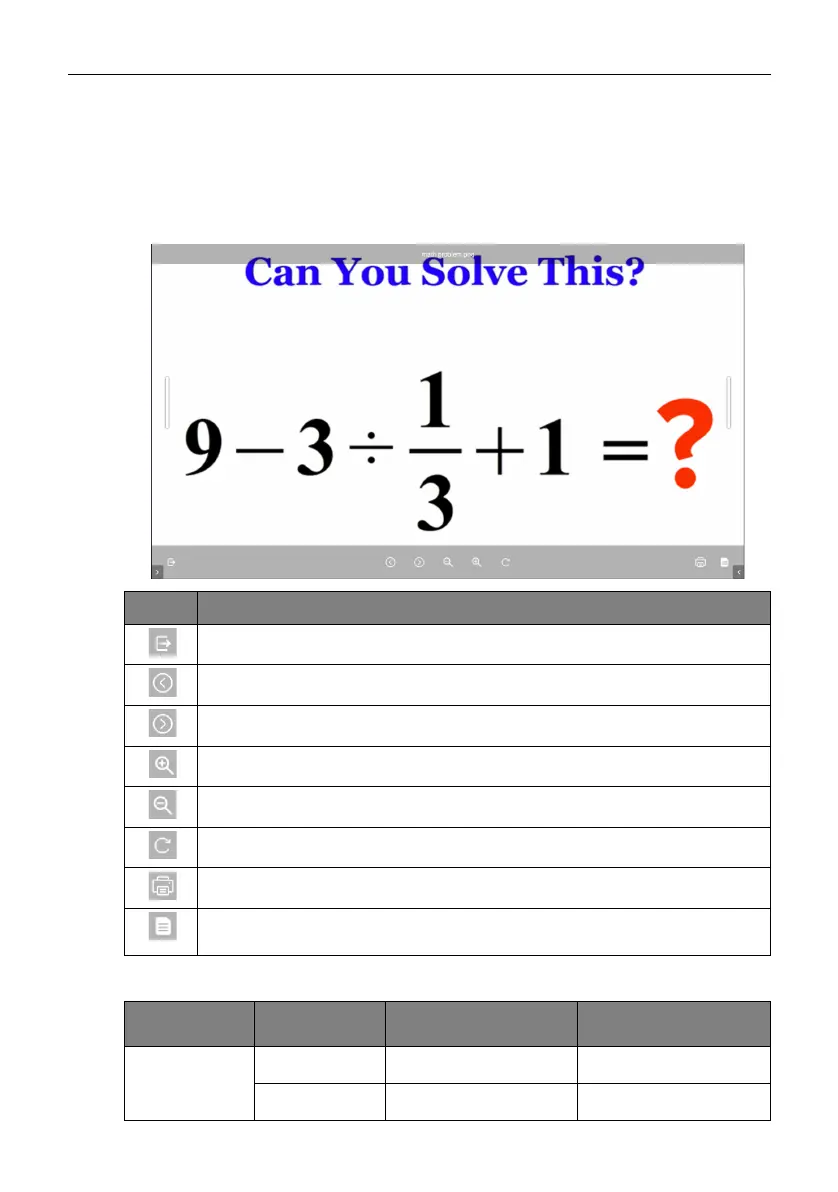
Select an image file you want to show on the display and perform any of the functions
shown on the screen.
Supported image format (maximum resolution)
Icon Function
Exits the image viewer.
Plays the previous image file.
Plays the next image file.
Magnifies the current image.
Shrinks the current image.
Rotates the current image clockwise.
Prints out the image.
Displays file information, including name, creation time, file size, and file
format.
Image Photo Resolution Maximum Resolution
JPEG
Base-line 1920x1080 15360x8640
Progressive 1024x768 7000x7000



 To Next Page