Android system interface58
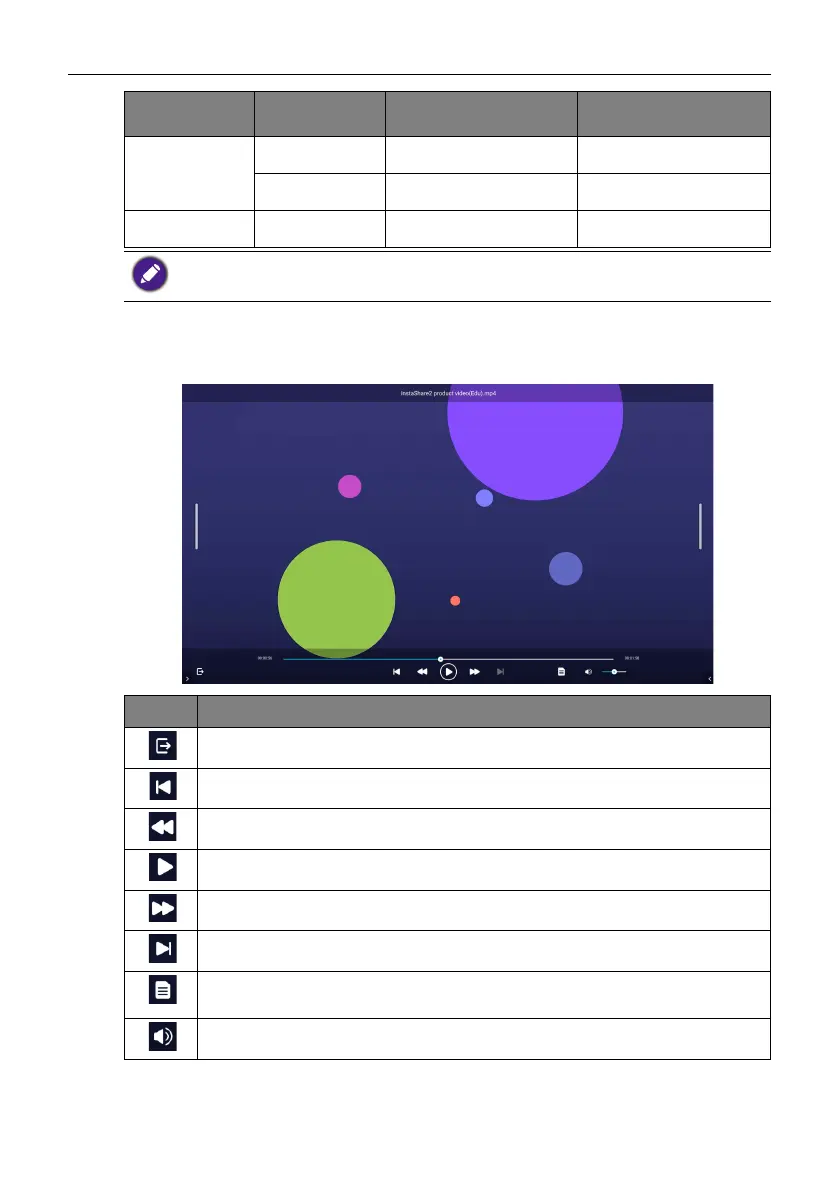
Audio/Video
Select an audio/video file you want to play on the display and perform any of the
functions shown on the screen.
PNG
Non-interlace 1920x1080 9600x6400
Interlace 1920x1080 9600x6400
BMP - 9600x6400 9600x6400
The limitation of max resolution depends on DRAM size.
Icon Function
Exits the audio/video player.
Plays the previous audio/video file.
Rewinds the audio/video.
Plays/pauses the current audio/video file.
Fast forwards the audio/video.
Plays the next audio/video file.
Displays file information, including name, creation time, file size, and file
format.
Adjusts the audio/video volume.
Image Photo Resolution Maximum Resolution



 To Next Page