Android system interface 55
Importing images
1. Click to import images that are stored internally or on a connected storage
device, which you can then draw or create annotations on.
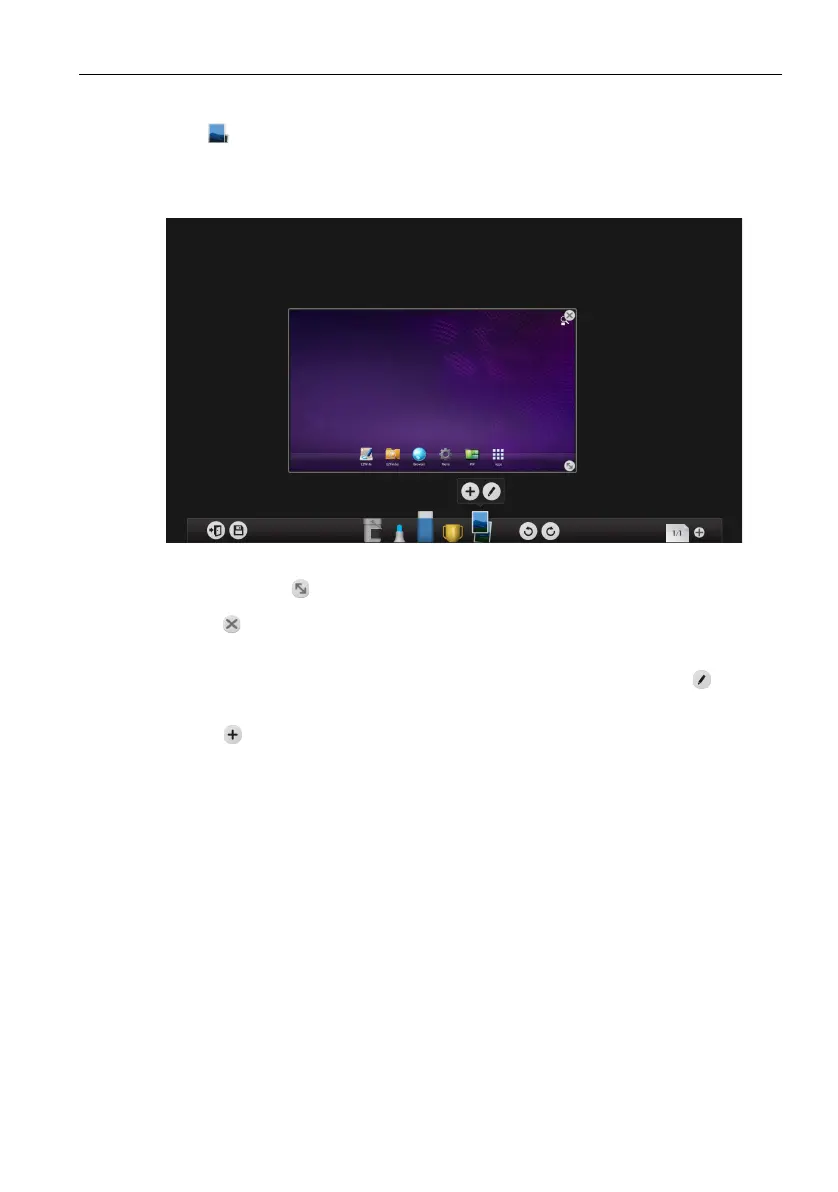
2. When an image has been selected and imported it will appear in EZWrite 3.0 as
shown below.
- Click and drag on the image to move the imported image
- Click and drag to resize the imported image.
- Click to delete the imported image.
- Click any of the EZWrite 3.0 tools to set the image and begin drawing or creating
annotations on the imported image. Once an image has been set click at any
time to make the resize and delete button reappear.
- Click to import another image.



 To Next Page