37 Menu operation
4. Main menu: Installation
Structure
Function descriptions
Menu Options
Projector Position
Auto/Front/Front Ceiling/Rear/Rear
Ceiling
3D Keystone
H: -30 – +30
V: -30 – +30
R: -30 – +30
4 Point Adjustment
Top Left
Top Right
Bottom Left
Bottom Right
Test Pattern On/Off
High Altitude Mode On/Off
Baud Rate
9600/14400/19200/38400/57600/
115200
Menu Descriptions
Projector
Position
The projector can be installed on a ceiling or behind a screen, or with one or
more mirrors. See Choosing a location on page 12 for details.
3D Keystone
See Correcting keystone on page 17 for details.
This image adjustment might impact latency. We suggest setting the 3D
Keystone
values to 0 to enjoy low latency gaming.
4 Point
Adjustment
See Adjusting image corners on page 16 for details.
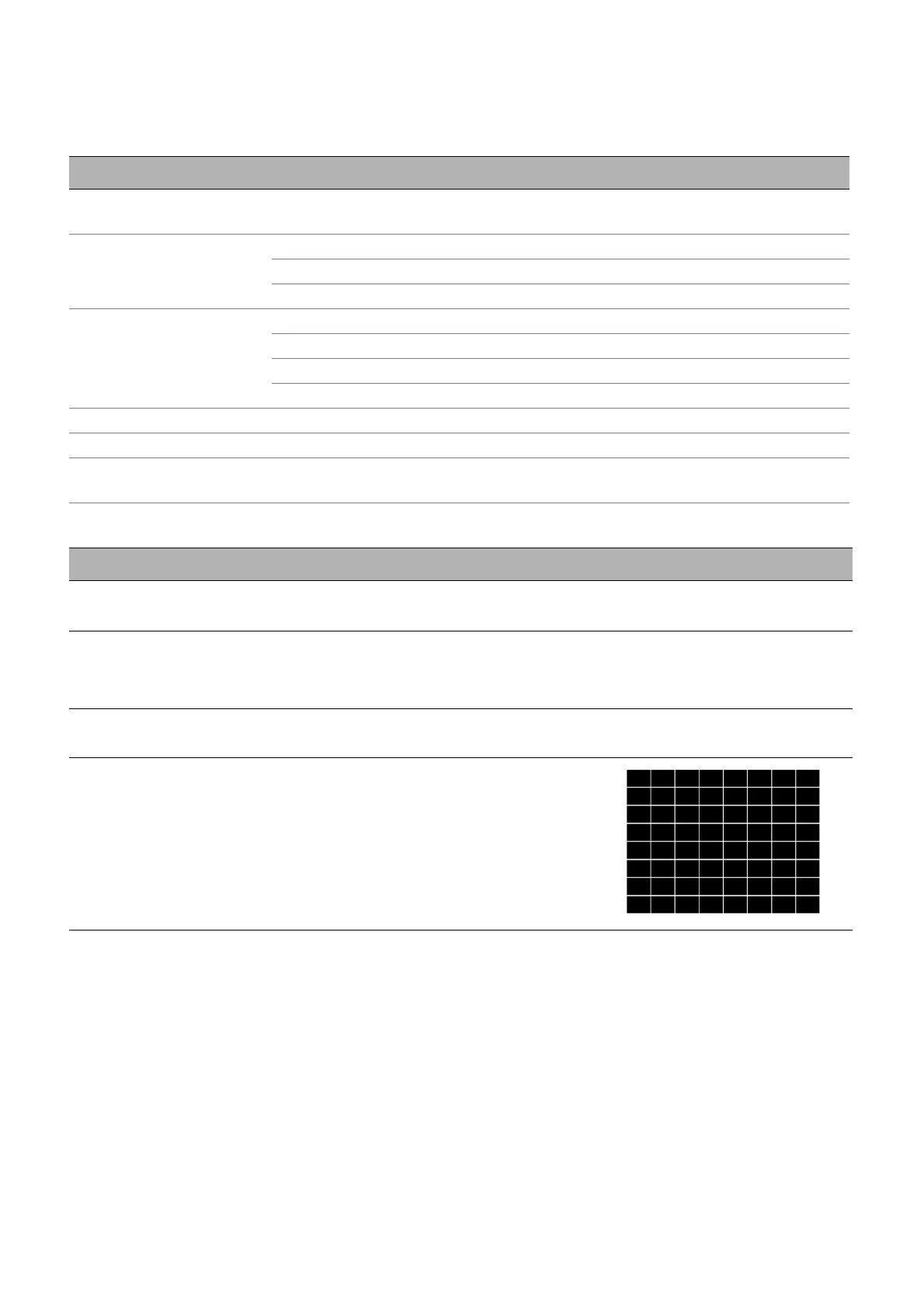
Test Pattern
Adjusts the image size and focus and
check that the projected image is free from
distortion.



 To Next Page