Parts of the display and their functions10
Parts of the display and their functions
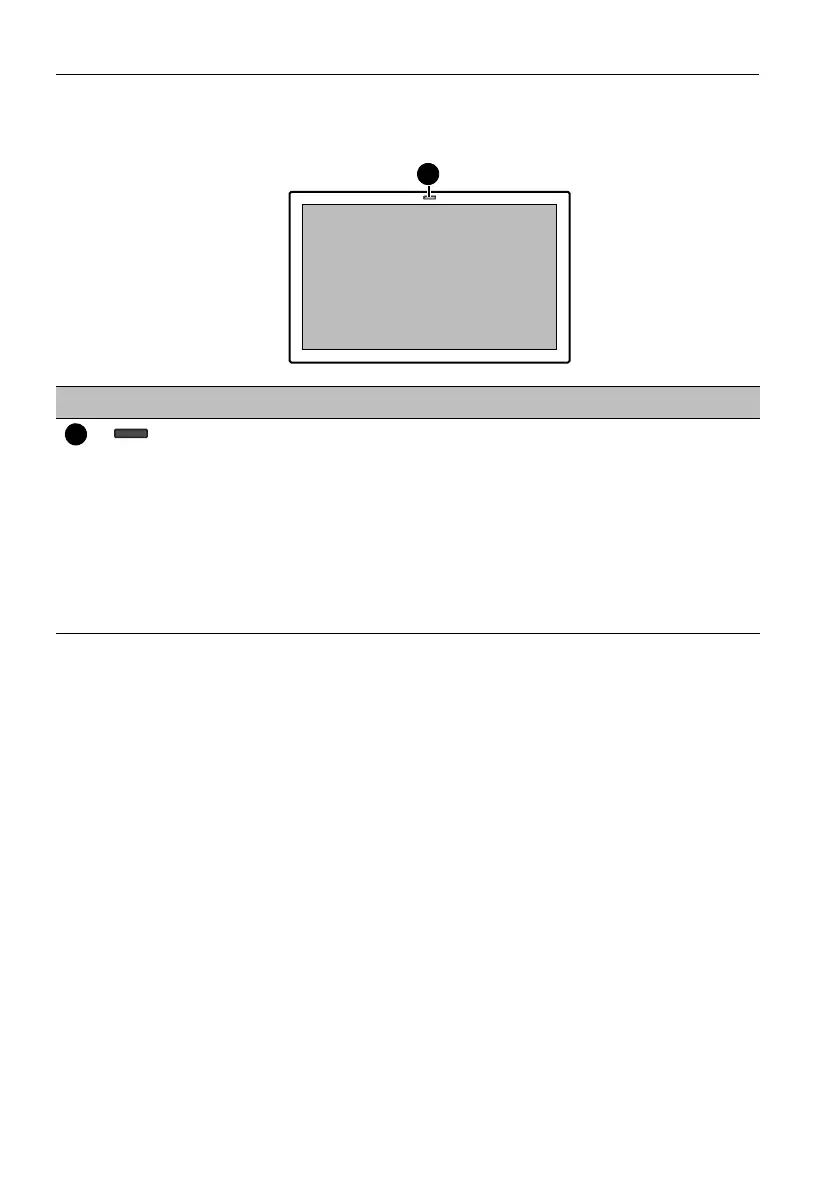
Front panel
No. Name Description
Remote control sensor /
Ambient light sensor /
Power indicator
• Receives command signals from the remote control.
• Detects ambient lighting conditions around the display and
adjusts screen brightness automatically when the Ambient
Light Sensor function is activated.
• Indicates the operating status of the display:
- Lights up green when the power is turned on.
- Lights up red when the display is turned off.
- Flashes red when the display is in standby mode.
- Off when the main power is turned off.



 To Next Page