The OSD (On-Screen Display) menu 45
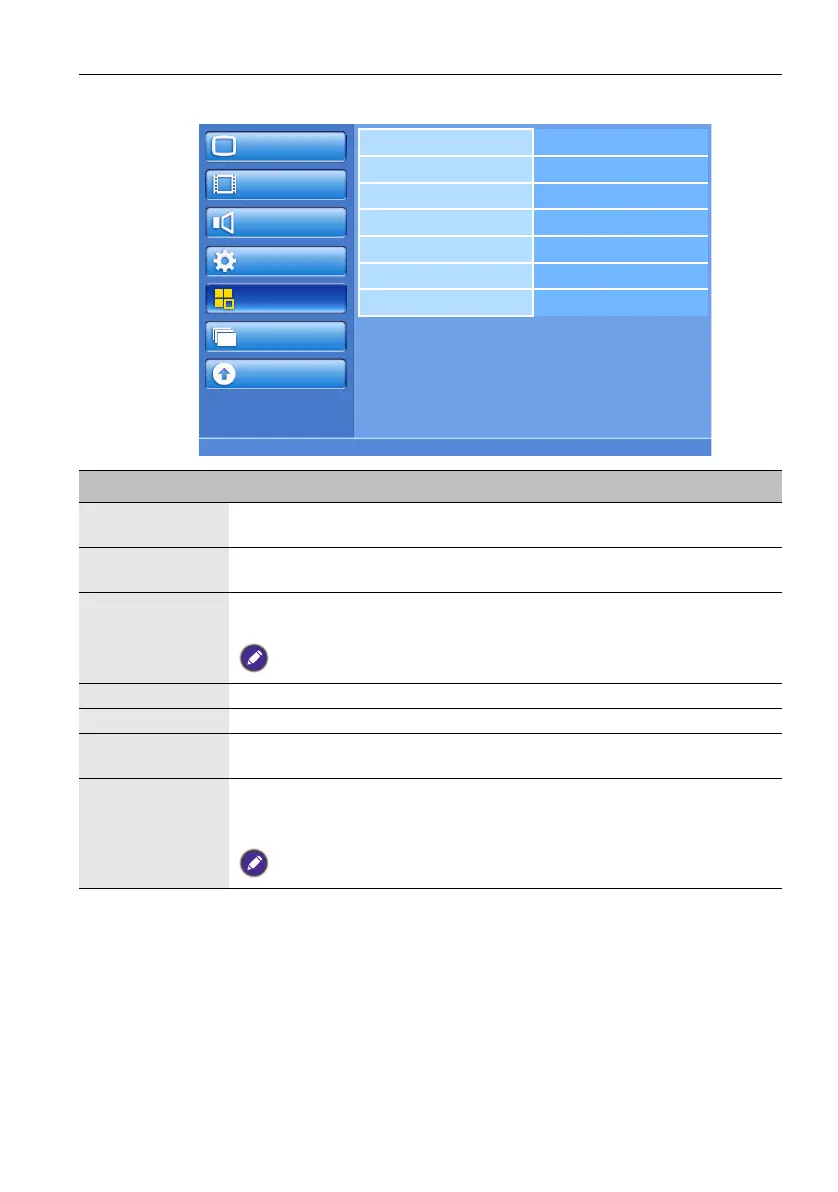
Configuration2 menu
Picture
Screen
Audio
Configuration1
Configuration2
Option
Update
OSD turn off
Information OSD
Sleep timer
OSD H position
OSD V position
Monitor information
Touch feature
Name Description
OSD turn off Sets the period of time the OSD menu stays on the screen (from 5 to 120
seconds since the last key stroke)
Information
OSD
Sets the period of time the information OSD stays on the screen. The
information OSD will display when input signal is changed.
Sleep timer Sets the display to turn itself off to standby mode within a user-specified
amount of time. (Off-24 hours from current time)
When the Sleep timer is activated, Schedule settings will be disabled.
OSD H position Adjusts the horizontal position of the OSD menu.
OSD V position Adjusts the vertical position of the OSD menu.
Monitor
information
Shows the information about your display.
Touch feature When turned on, H position, V position, Clock, Clock phase, Zoom
mode, Custom zoom, Image retention, Input resolution, Scan
mode, and Tiling will be disabled to optimize touch performance.
This feature is only available for VGA, DVI and HDMI inputs.



 To Next Page