The OSD (On-Screen Display) menu 43
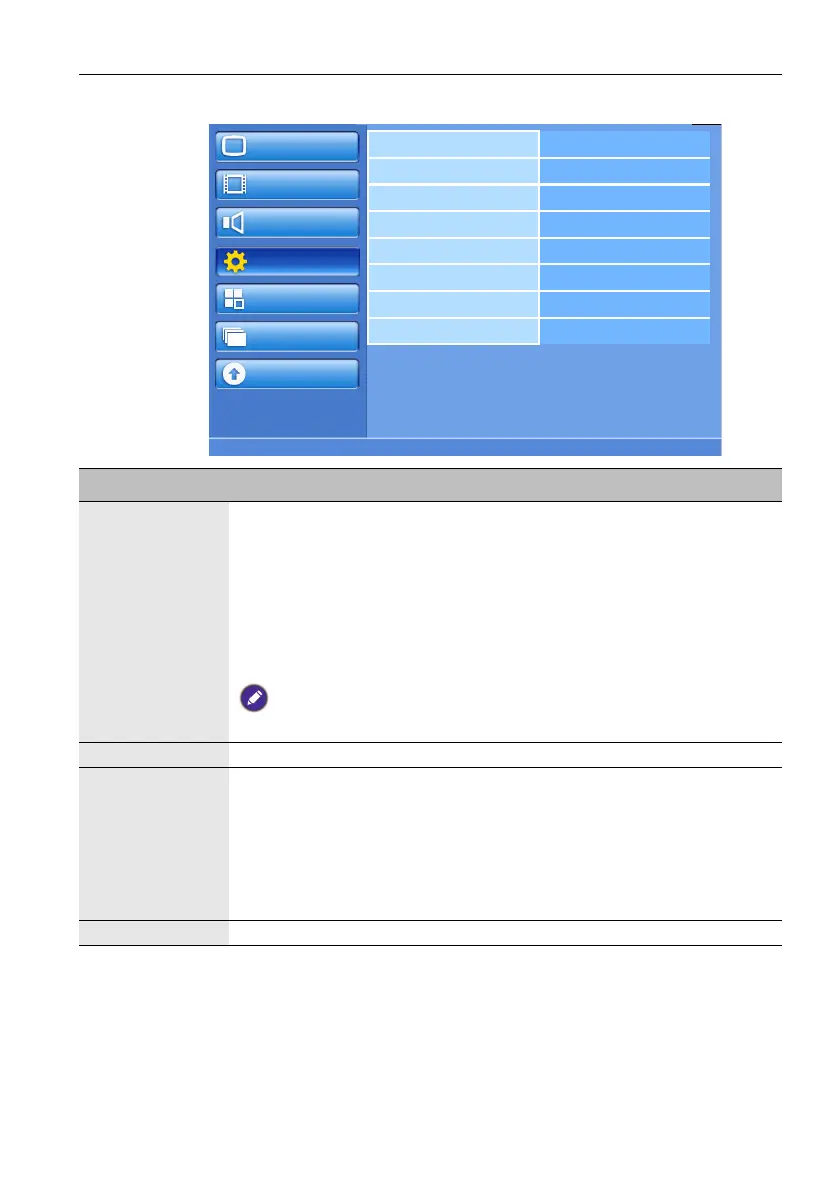
Configuration1 menu
Picture
Screen
Audio
Configuration1
Configuration2
Option
Update
Switch on state
Auto adjust
Power save
Language
Panel saving
Network settings
Configuration reset
Factory reset
Name Description
Switch on state Sets the display on or off when the power cord is connected to a wall
outlet.
• Last status - The display will return to the previous power status (on/
off/standby) when removing and replacing the power cord.
• Forced on - The display will turn on when the power cord is connected
to a wall outlet.
• Power off - The display will remain off when the power cord is
connected to a wall outlet.
If you unplug the power cord and re-plug within 7 seconds, the display will not
work under the selected setting.
Auto adjust Automatically optimizes image display for the VGA input.
Power save Sets the display to reduce the power consumption.
• PC - Select On to let the display enter DPMS (Display Power
Management Signaling) mode when no signal can be detected from the
HDMI, DVI-D, and VGA inputs after three successive cycles.
• Video - Select On to let the display enter power saving mode when no
signal is detected from the Component input after three successive
cycles.
Language Sets your preferred language for the OSD menu.



 To Next Page