The OSD (On-Screen Display) menu 37
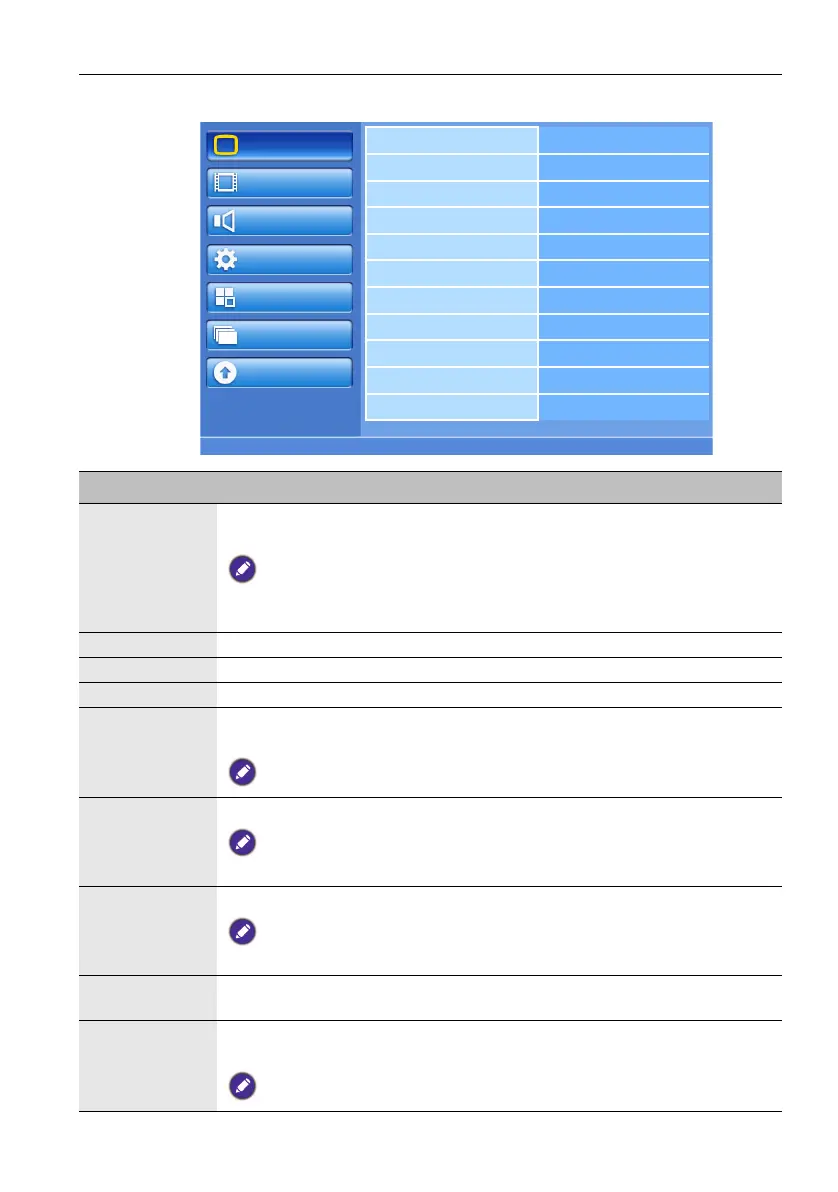
Picture menu
Brightness
Contrast
Sharpness
Black level
Noise reduction
Tint
Color
Color temperature
Color control
Light sensor
DCR
Picture
Screen
Audio
Configuration1
Configuration2
Option
Update
Name Description
Brightness Adjusts the overall image brightness by changing the intensity of the LCD
panel’s backlight.
This function is not available when DCR, Light sensor or Brightness under Panel
saving is turned on. Disable these functions to access Brightness from the OSD
menu.
Contrast Adjusts the image contrast when Picture mode is set to User.
Sharpness Adjusts the image sharpness when Picture mode is set to User.
Black level Adjust to change image brightness.
Noise
reduction
Adjust to remove the noise in the image. You can select a suitable noise
reduction level.
For Component input with interlaced video only.
Tint Adjusts the color tint when Picture mode is set to User.
For Component, and HDMI inputs with YUV color space only. (YUV is a color space
typically used as part of a color image pipeline.)
Color Adjusts the color intensity when Picture mode is set to User.
For Component, and HDMI inputs with YUV color space only. (YUV is a color space
typically used as part of a color image pipeline.)
Color
temperature
Adjusts the color temperature.
Color control With this function you can adjust the color tones of the image precisely by
changing the R (Red), G (Green) and B (Blue) settings independently.
This function is only available when Color temperature is set to User.



 To Next Page