Using the touch screen28
Supported by specific
applications
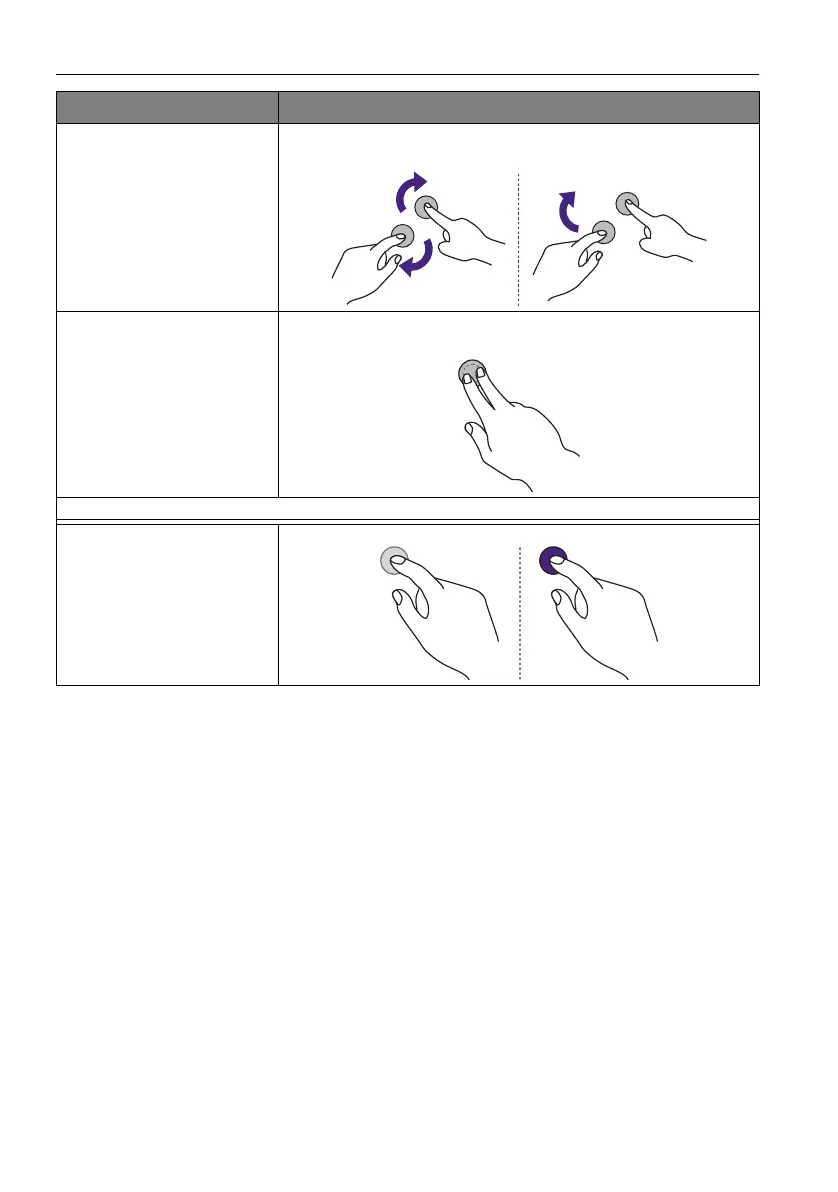
• Move two fingers in opposing directions.
• Use one finger to pivot around another.
Supported by specific
applications
Tap two fingers simultaneously.
The target should be the midpoint between the fingers.
For Windows XP, Windows Vista and Windows 7
Wakeup from Windows
sleep mode (S3)
Press and hold for 4 seconds.
OS functions Gesture actions



 To Next Page