The OSD (On-Screen Display) menu 41
Custom
zoom
Use this function to further customize the zoom settings to suit the image you
want to display.
This item is only available when Zoom mode is set to Custom.
Screen reset Resets all settings in the Screen menu.
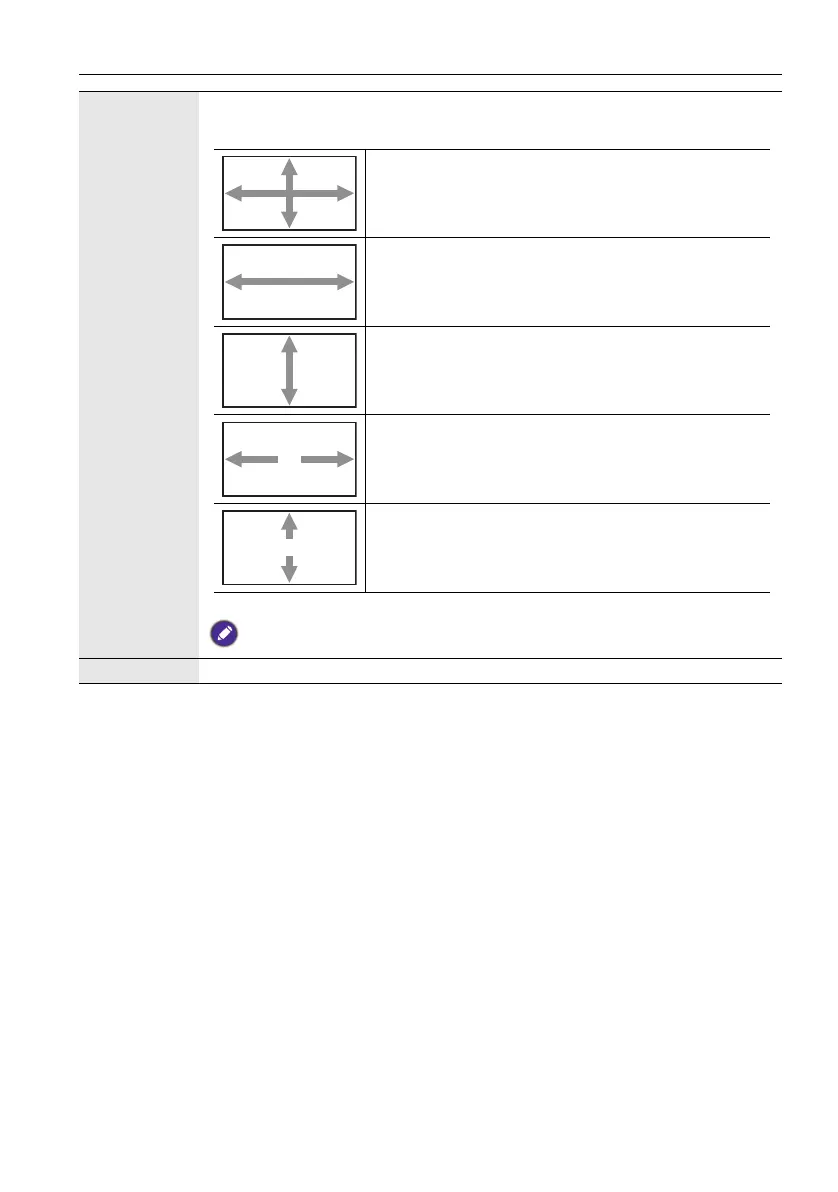
Zoom - Expands the horizontal and vertical sizes of
the image simultaneously.
H zoom - Expands the horizontal size of the image
only.
V zoom - Expands the vertical size of the image only.
H position - Moves the horizontal position of the
image left or right.
V position - Moves the vertical position of the image
up or down.



 To Next Page