13 Introduction
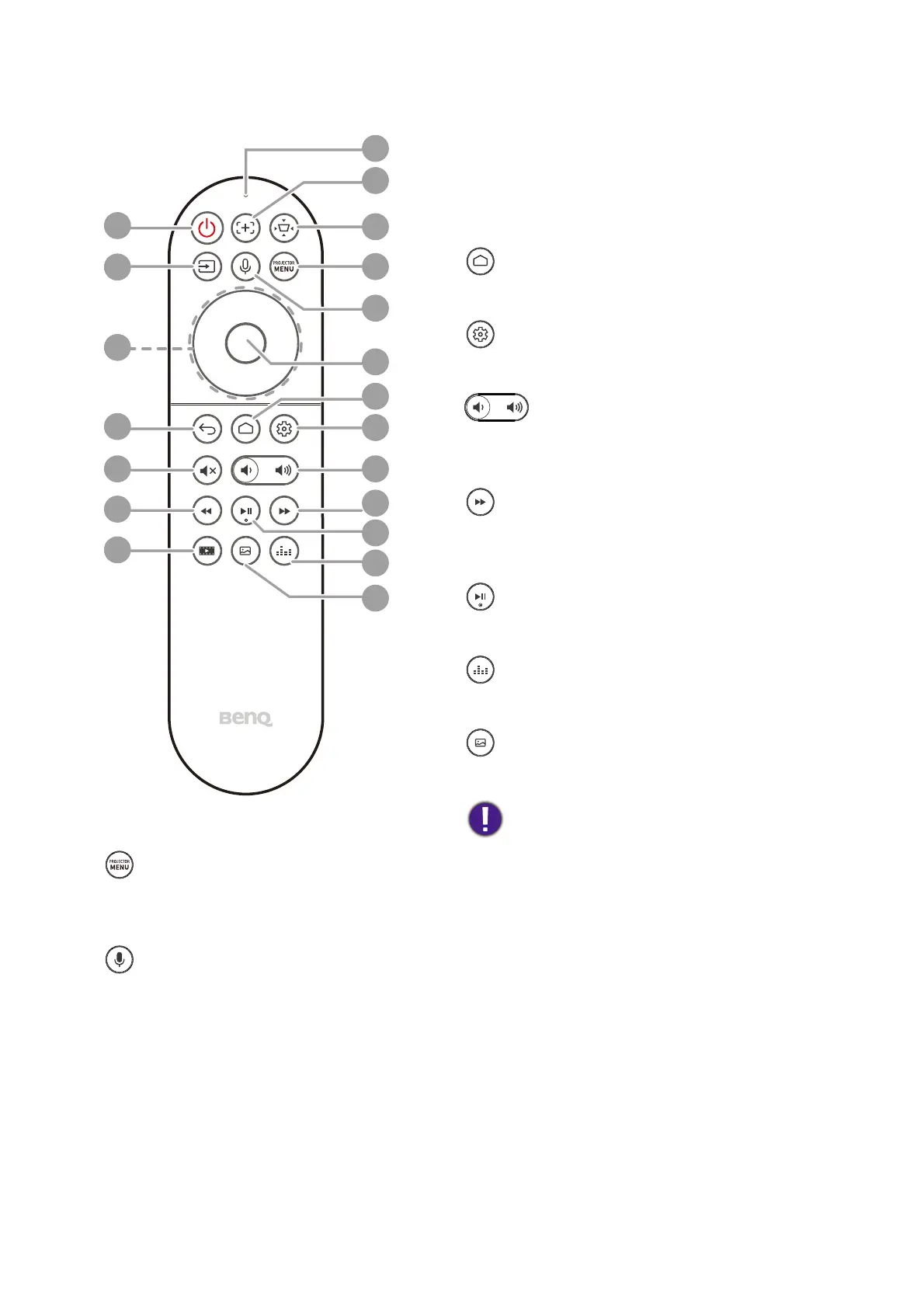
11. Menu
Turns on the On-Screen Display
(OSD) menu.
12. Voice search / Voice assistant
Press and hold the Voice search /
Voice assistant button to activate
voice assistant. Hold this key and
speak to the microphone at the top of
the remote control while using voice
assistant.
13. OK
Confirms a selected item in the ATV or
projector OSD menu.
When the input source is ATV, press OK to
play or pause a video or audio file during
media playback.
14. Android TV home screen
Displays Android TV home screen.
15. Android settings
Displays Android settings.
16. Volume keys
Decreases or increases the projector
volume.
17. Fast forward
Fast forwards current video or audio
playback
18. Play / Pause
Plays/Pauses a video or audio playback
19. Sound mode
Displays sound mode menu.
20. Picture mode
Displays the Picture Mode menu.
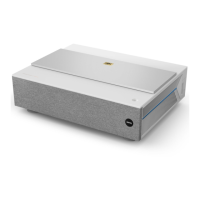
Do not block the projection lens from
projecting as this could cause the
blocking object to become heated
and deformed or even cause a fire.
8
9
10
1
2
3
4
5
6
7
11
12
13
14
15
16
17
18
19
20


 To Next Page