Important safety instructions 6
14. Do not step on the projector or place any
objects upon it. Besides probable
physical damage to the projector, doing
so may result in accidents and possible
injury.
15. When the projector is under operation,
you may sense some heated air and
odor from its ventilation grill. It is a
normal phenomenon and not a product
defect.
16. Do not place liquids near or on the
projector. Liquids spilled into the
projector may cause it to fail. If the
projector does become wet, disconnect
it from the power supply's power outlet
and call BenQ to have the projector
serviced.
17. This apparatus must be earthed.
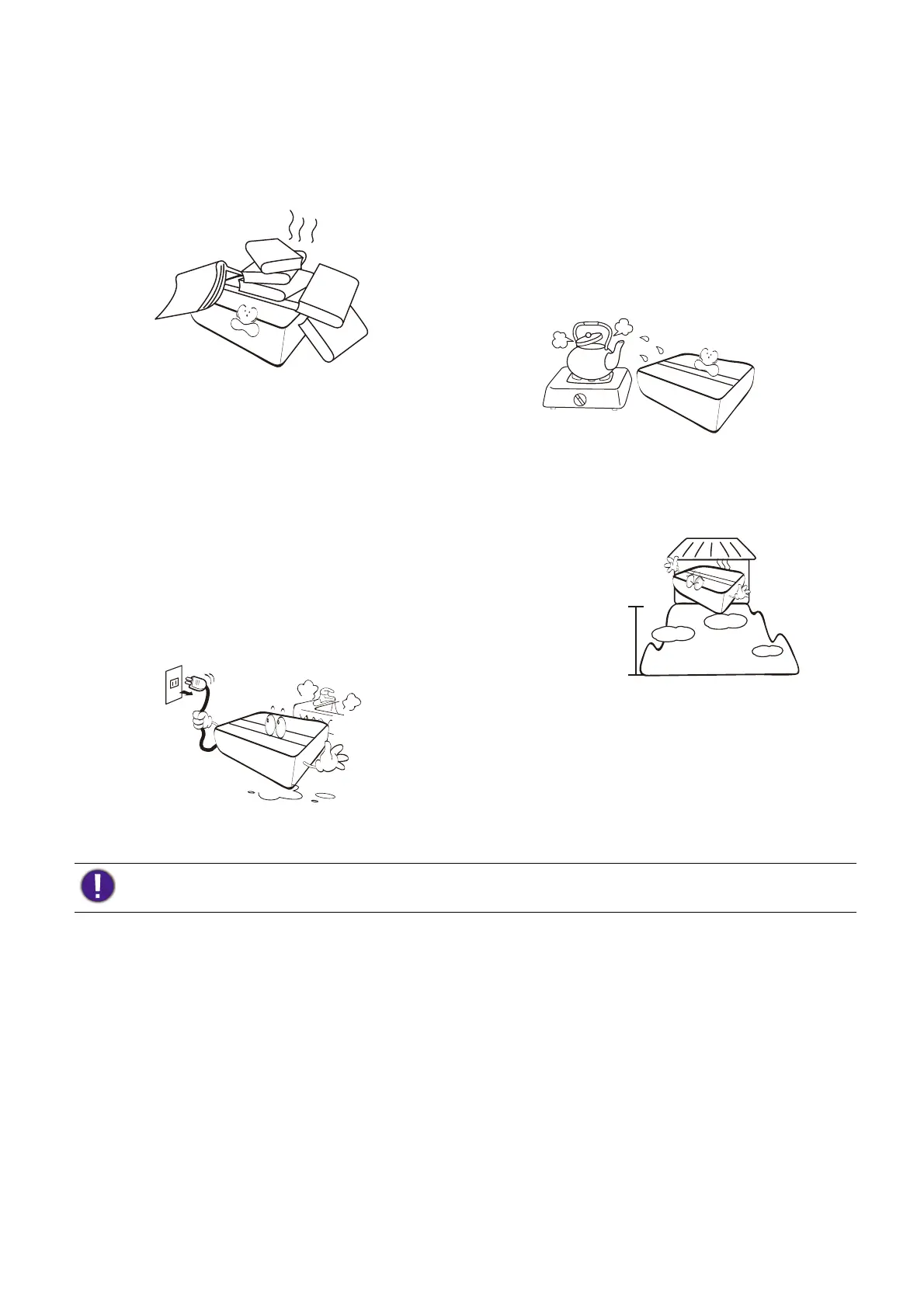
18. Do not place this projector in any of the
following environments.
- Space that is poorly ventilated or confined.
Allow at least 50 cm clearance from walls and
free flow of air around the projector.
- Locations where temperatures may become
excessively high, such as the inside of a car
with all windows rolled up.
- Locations where excessive humidity, dust, or
cigarette smoke may contaminate optical
components, shorten the projector's life span
and darken the image.
- Locations near fire alarms
- Locations with an ambient temperature above
40°C / 104°F
- Locations where the altitudes are higher than
3000 m (10000 feet).
3000 m
(10000 feet)
0 m
(0 feet)
To avoid damaging the DLP chips, never aim a high-power laser beam into the projection lens.


 To Next Page