35
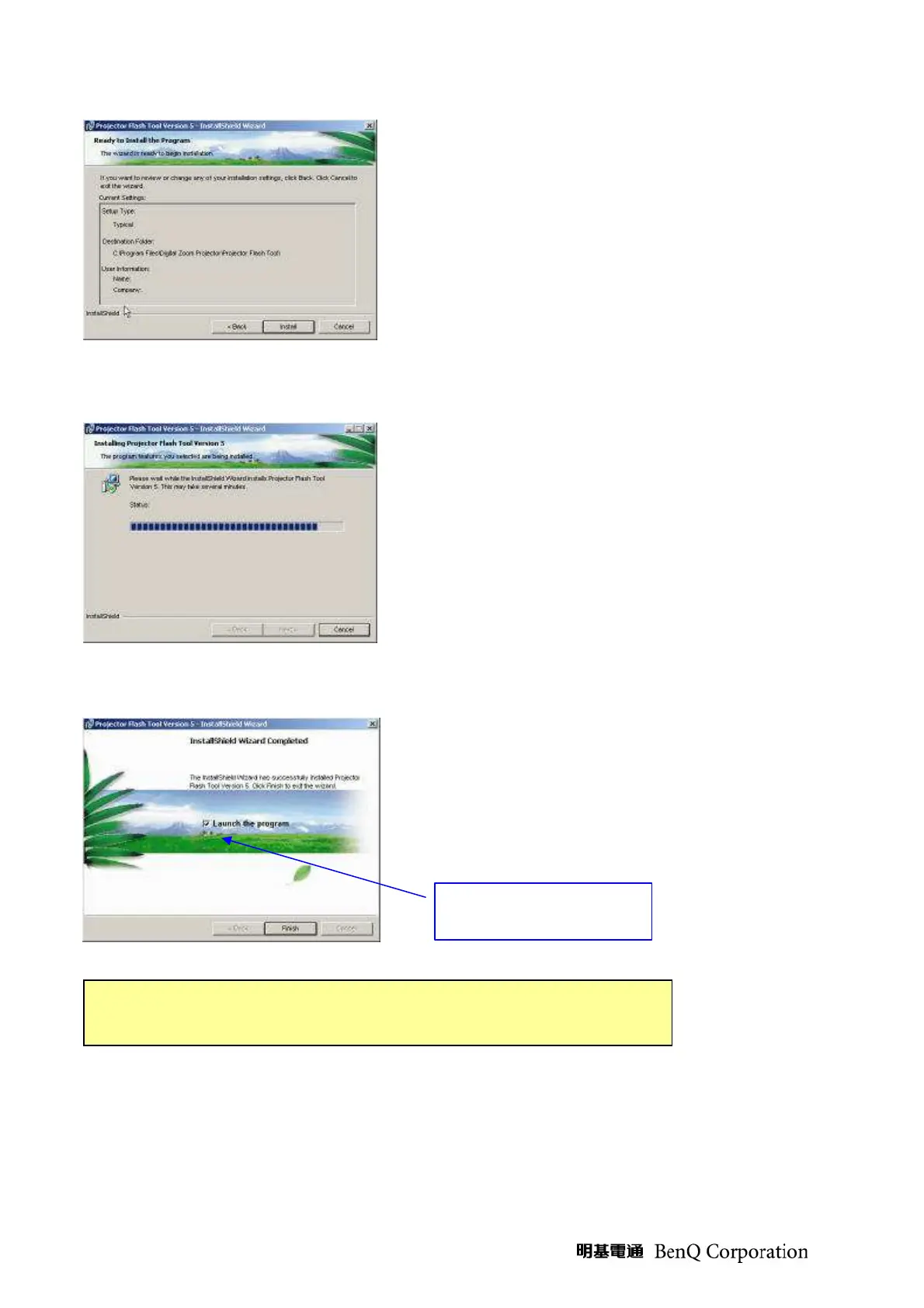
(Step 3) Ready to install the drivers into the PC, press
<Install> to start.
(Step 4) The Installer copies the necessary files to PC.
(Step 5) Press the <Finish> button with the “Launch”
checkbox checked, the wizard will start the USB driver
(INF) update.
Launch the driver
update
The USB driver (INF) update may take a few minutes depending your
computer’s performance, and number of driver files. All dialogs will be
when the installation is completed



 To Next Page