36
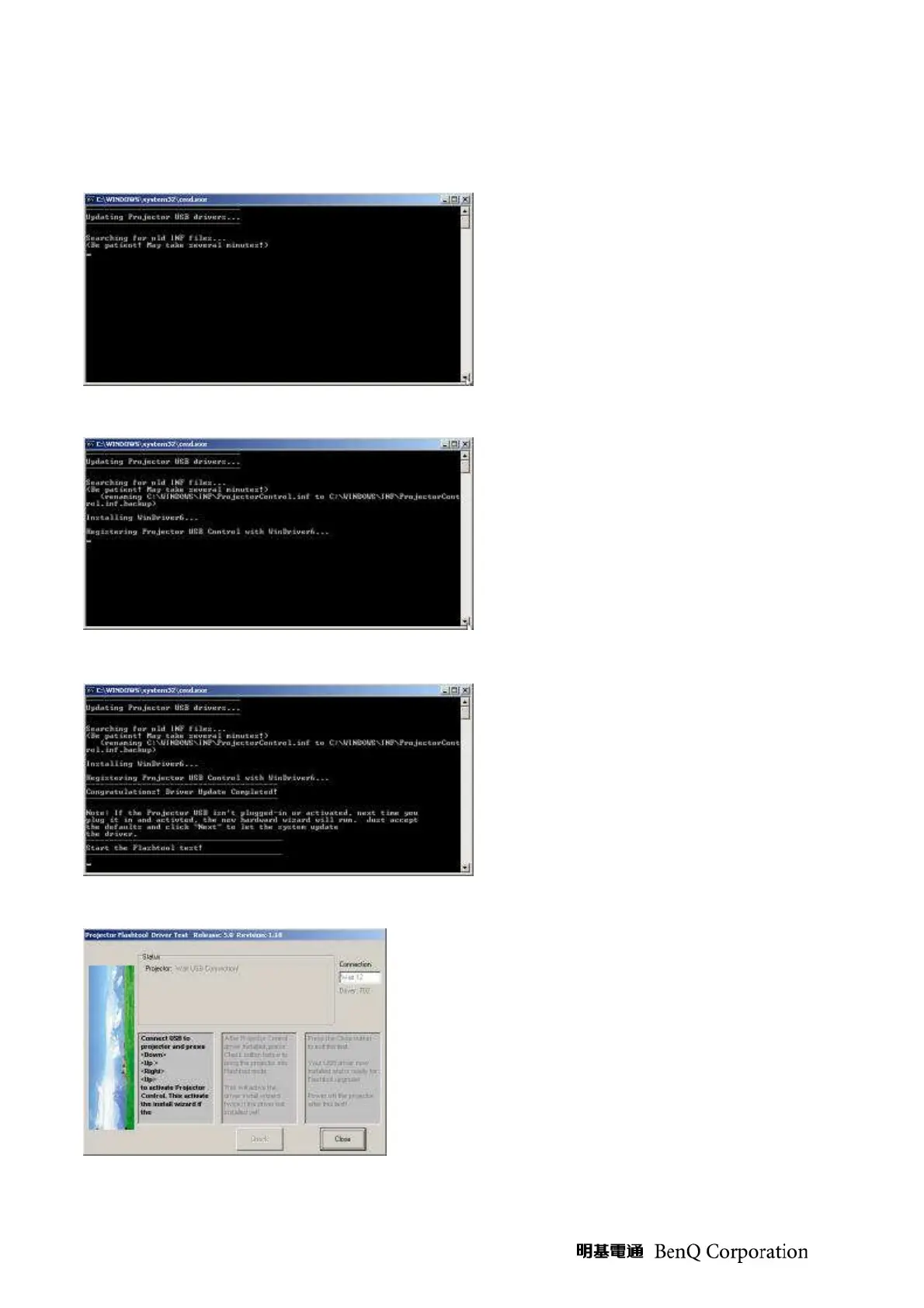
(Step 6) The install program copy the new
INF into Windows directory, it will search
the old INF and replace it with the newer
one.
(Step 7) Remove the USB cable between
PC and projector if it is connected.
The WinDrive USB drivers will be installed
and registered to system.
(Step 8) After the driver install, a test
application will start automatically with
Windows hardware wizard for all
necessary USB driver.
(Step 9) The driver test launched, wait for the key
stroke to enter Projector Control mode…
Connect the USB cable now!



 To Next Page