40
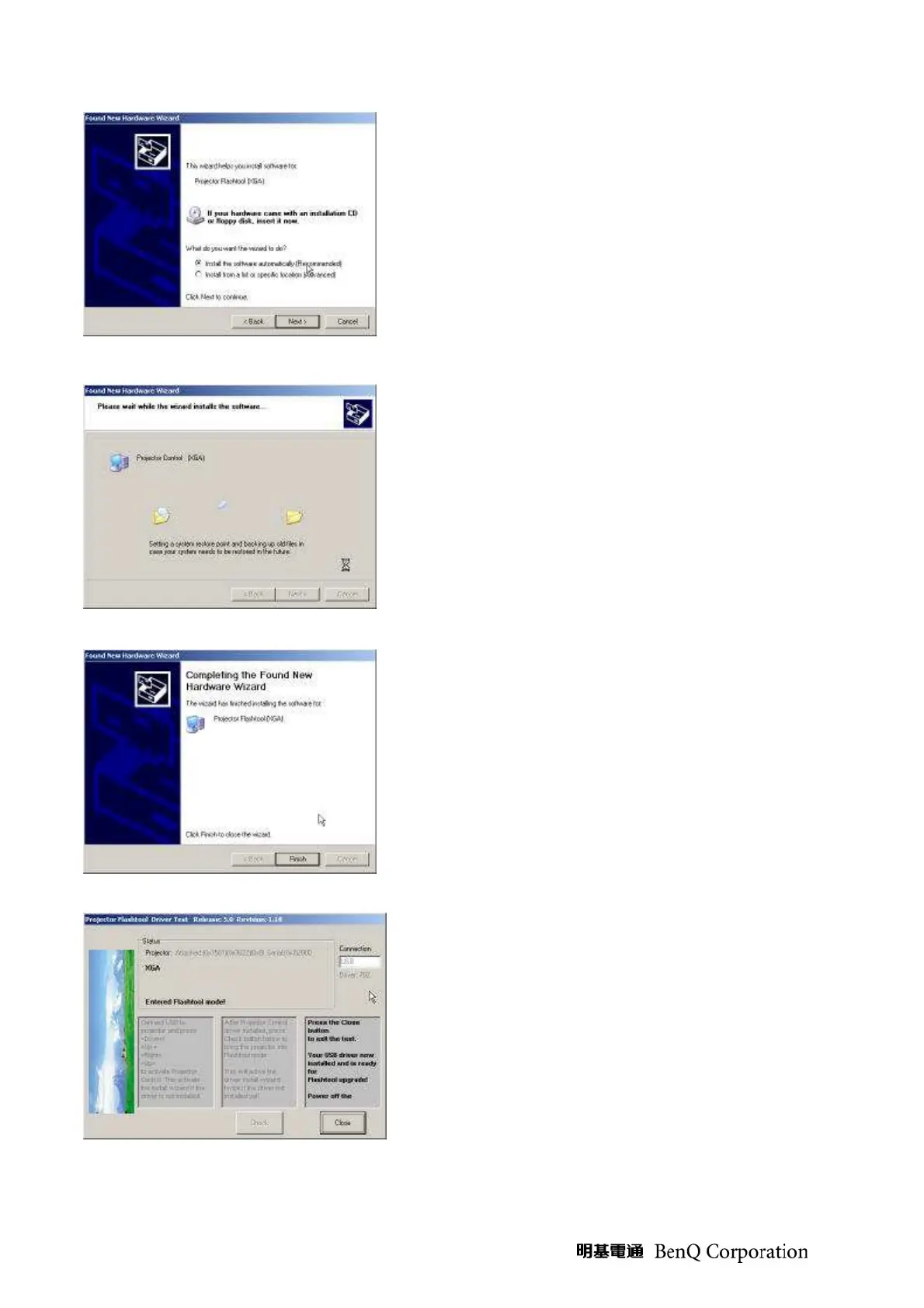
(Step 21) Select “Install the software automatically”.
Click on the “Next” button to continue.
In case the wizard cannot find the driver (the
ProjectorControl.inf), please select the other advanced
option and specify the driver location manually.
(Normally at C:\Program Files\Digital Zoom
Projector\Projector Flash Tool)
(Step 22) Windows updates the USB Projector Control
driver when found.
(Step 23) Windows completes the new hardware
wizard. Press the “Finish” button to exit.
(Step 24) Congratulations! Power off the projector
now. Your driver has been checked and works for
Flash-tool.



 To Next Page