42
Appendix-B
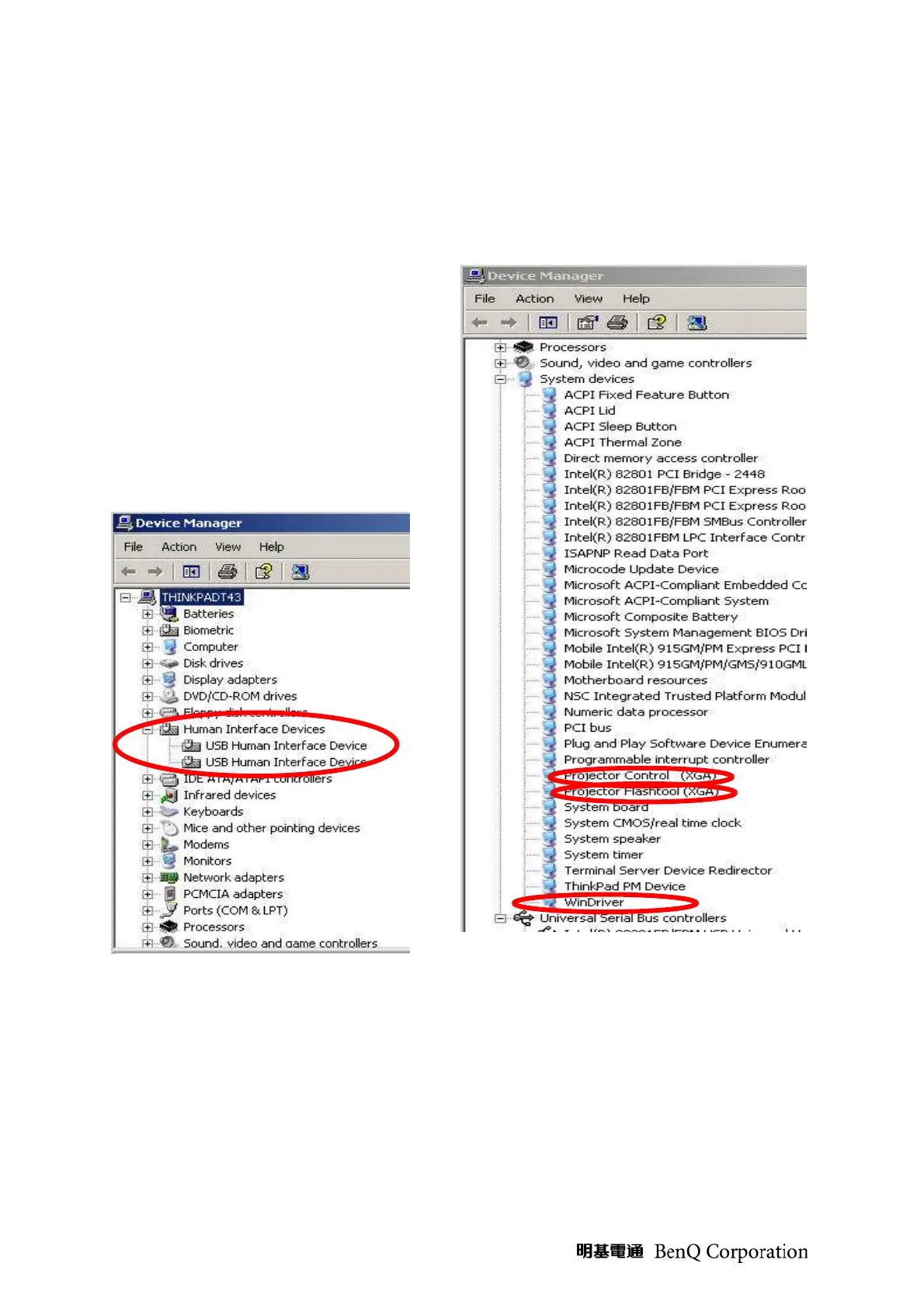
Projector USB status on Windows Device Manager
1. The USB HID device will be installed automatically via Windows' USB hot-plug
mechanism.
2. The Projector Control will be dynamically
installed after entering the maintenance
mode (Hit key sequence as <down>, <up>,
<right>, <up>)
3. The Projector Flash-tool will be
dynamically installed when starting the flash
upgrading by Flash-tool or Flash-tool BL
utility.
4. The Win-driver is the root driver for both
Projector Control and Flash-tool.



 To Next Page