49
DLP Projector Flash-Tool (splash logo) User Guide
The document is to describe Windows application software “Flash-Tool” for projector splash logo.
Its main purpose is to provide a detailed procedure for changing the splash logo of the DLP projector.
The system requirement and the installation procedure of “Flash-Tool” are also included in the document.
System Requirement
1. IBM compatible PC.
2. Windows XP operating system (English).
3. Projector Flashtool USB driver installed.
New features of this release
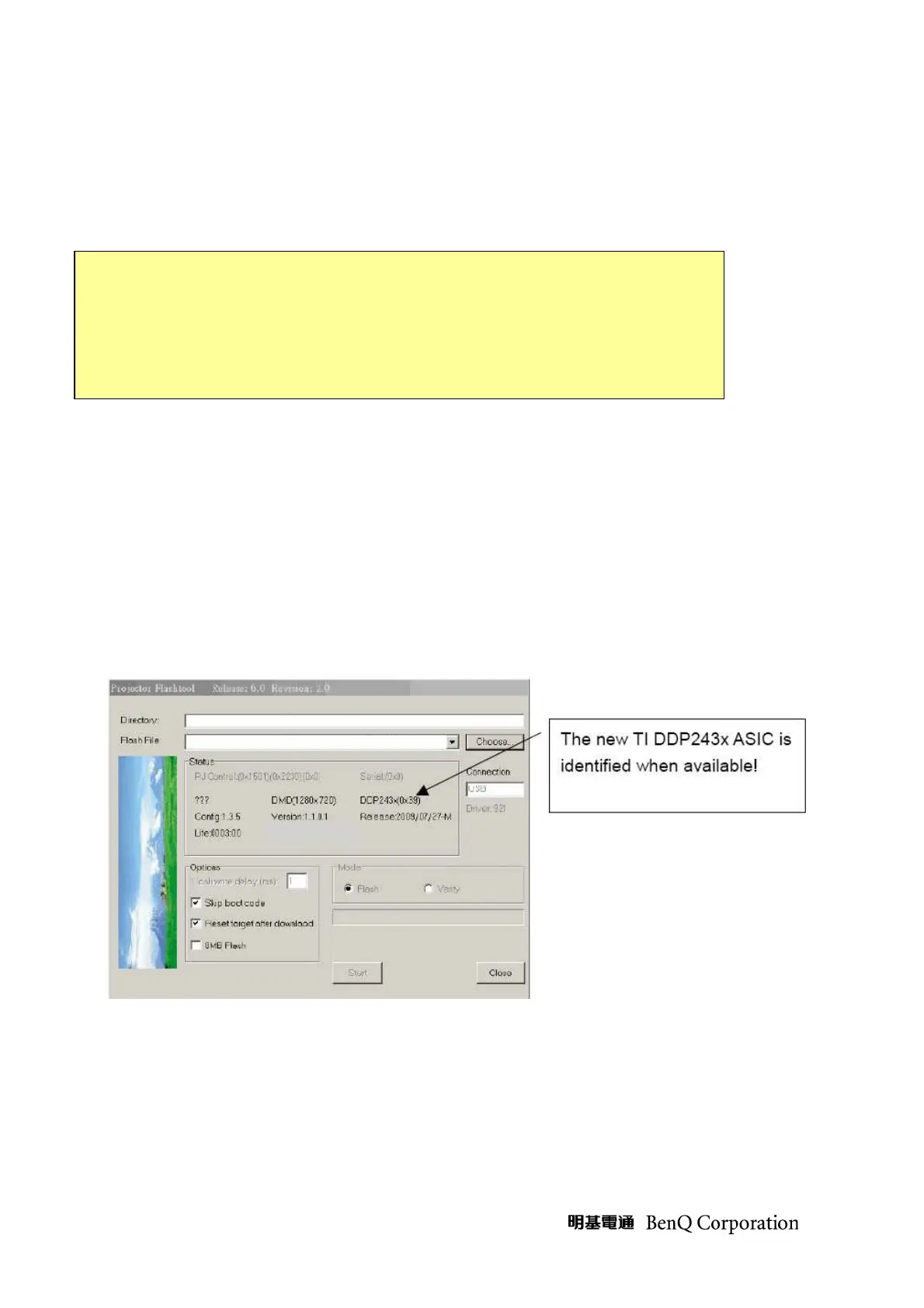
The latest TI DLP ASIC DDP243X are supported, with EON 4M/8M and Macronix 4M flash
ROM.
Note:
The user must have administrative privileges on the target computer in order to
install your driver.
The installation target directory must not write protected.
User also required having the basic knowledge of Windows application installation.
Attention: This utility is for DLP
TM
DDP2000/3020/2230/243X series projector only.



 To Next Page