48
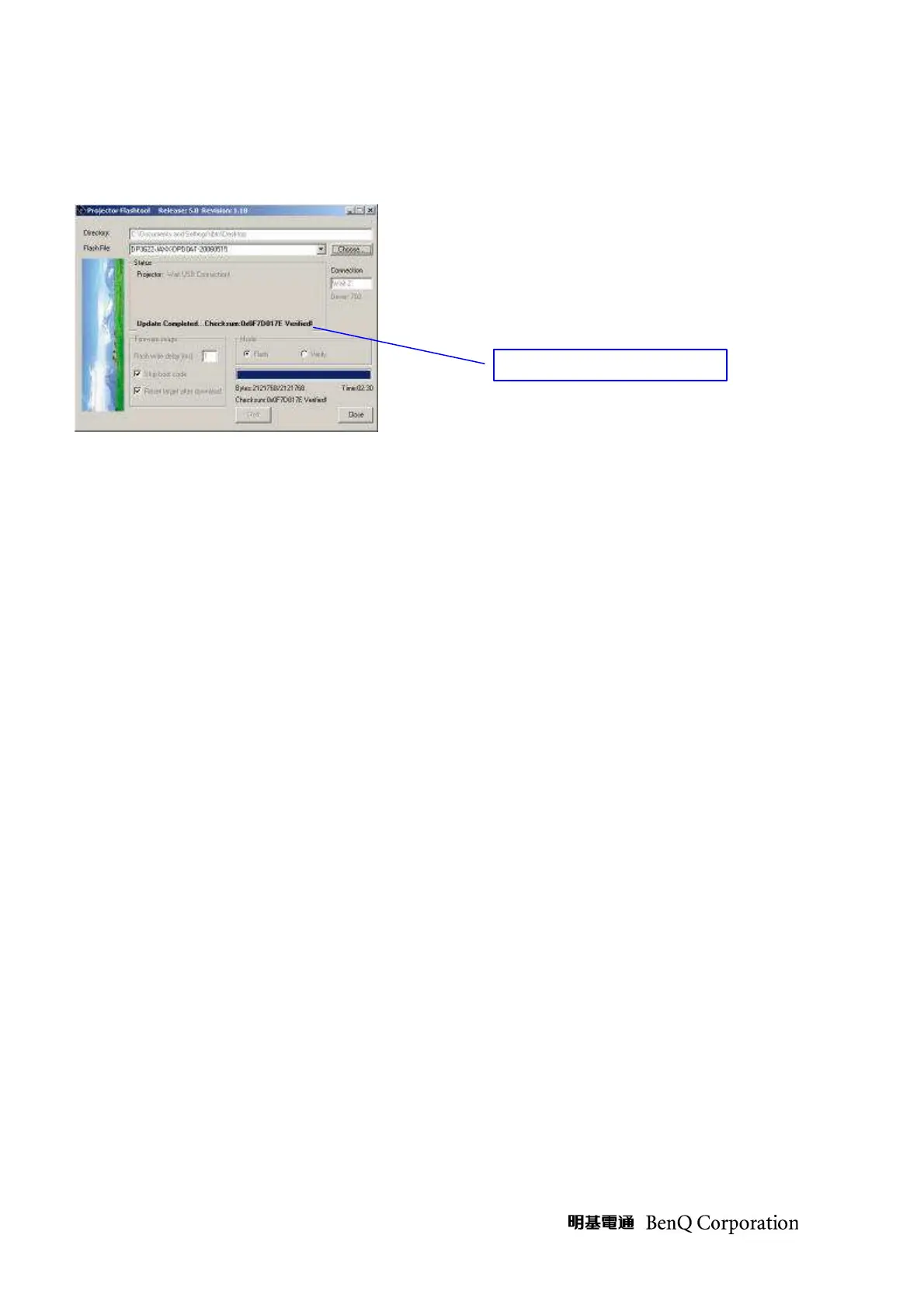
Step 10: After the new firmware upgraded, the Flash-Tool will perform the final validation.
The dialog showed checksum with verification message!
Step 11: Done! Please Power off the projector.
Press holds the <Right> keys and connects the power cord to the projector at same time,
Then the TEMP LED (Orange) and LAMP LED (Orange) will blink three times together.



 To Next Page