47
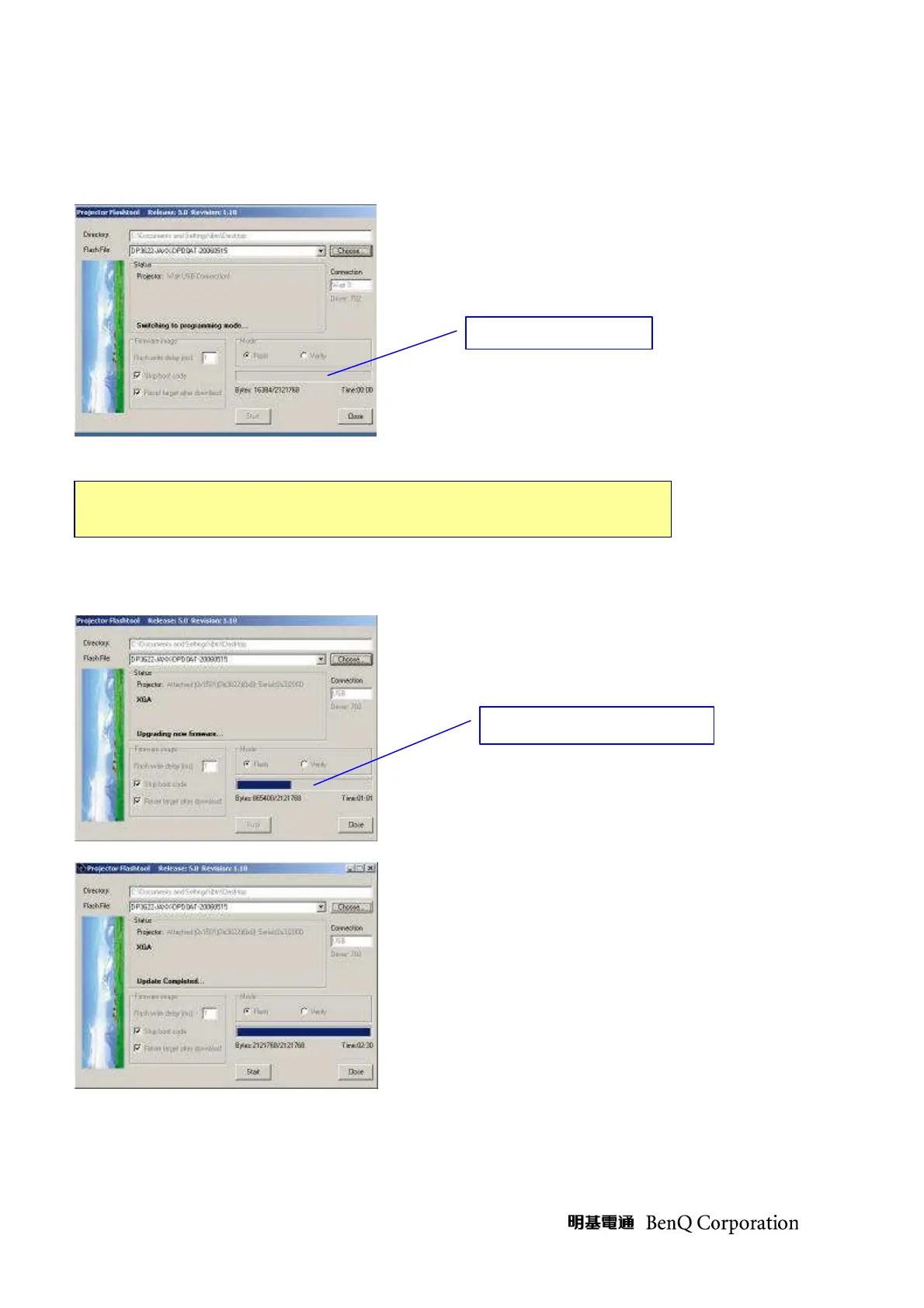
Step 8: According to the Flash technology, the old firmware will be erased first.
Therefore, Flash-Tool will automatically erase the old firmware before upgrading.
Step 9: After old firmware erased, the new firmware upgrading process will start.
DO NOT install any USB driver when erasing or upgrading
Upgrading new firmware



 To Next Page