19
Connecting with video equipment
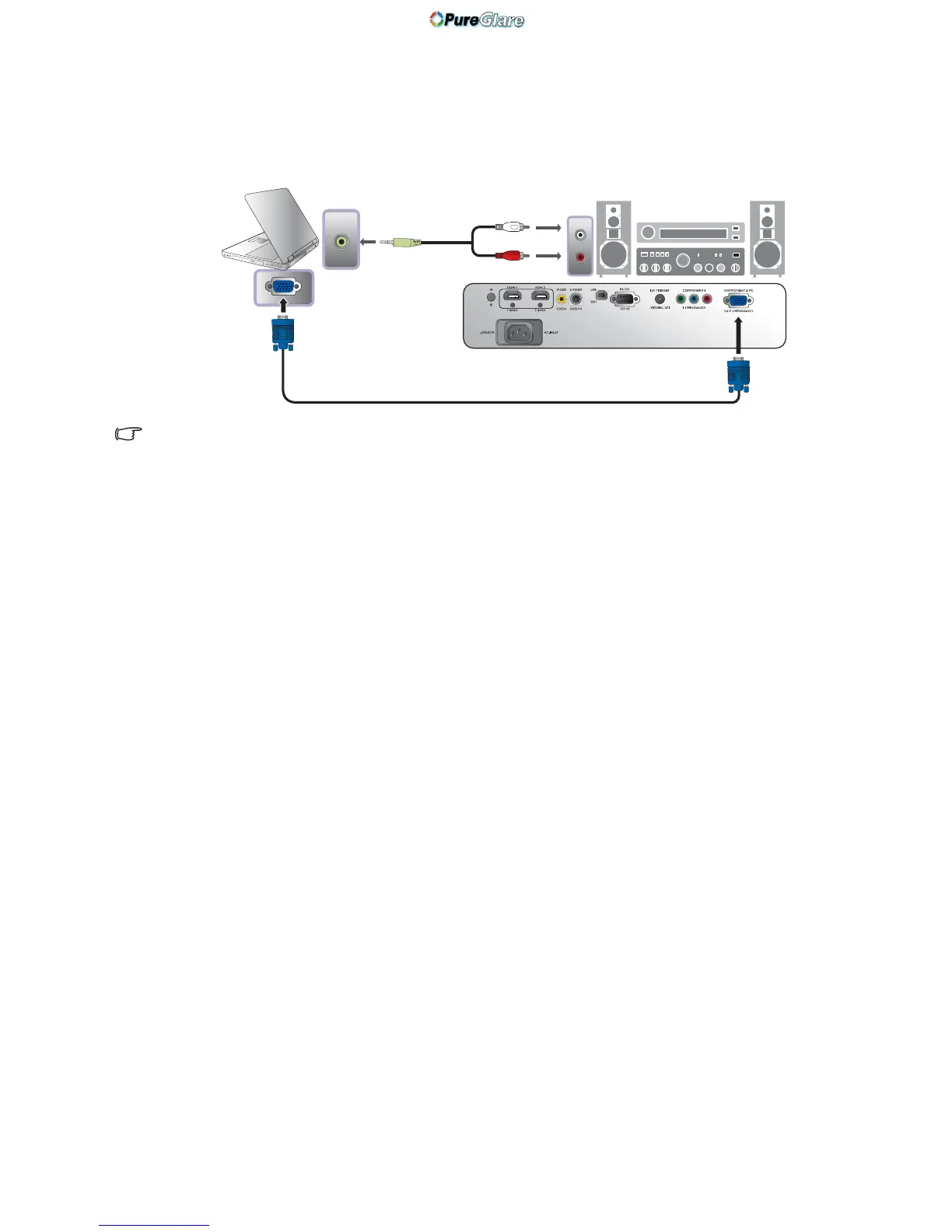
Connecting a computer
Connect the projector to a computer with a VGA cable.
Many laptops do not turn on their external video ports when connected to a projector. Usually a key
combination like Fn + F3 or CRT/LCD key turns the external display on/off. Locate a function key labeled
CRT/LCD or a function key with a monitor symbol on the laptop. Press Fn and the labeled function key
simultaneously. Refer to your laptop
's documentation to discover your laptop's key combination.



 To Next Page