34
Using the projector
5. Real: This setting displays the image in a one-to-one pixel mapping
without alteration or resize in the center of the projection. This is most
suitable for use with PC source inputs.
• The black portions are inactive areas and the white portions are active
areas.
• OSD menus can be displayed on those unused black areas.
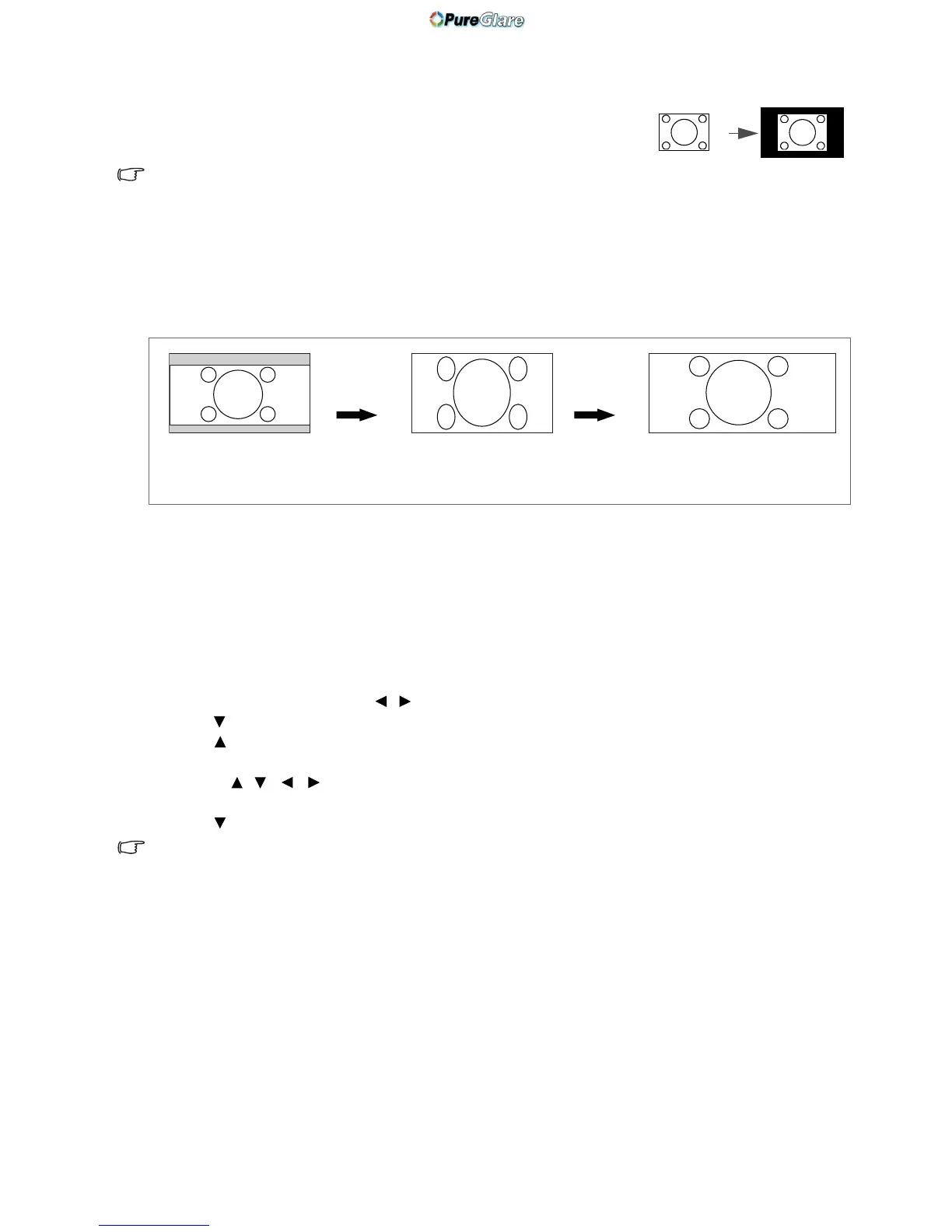
Using Panamorph lenses (optional)
Panamorph lenses allow you to convert 16:9 projectors to the full 2.35:1 aspect ratio of most motion
pictures, showing the best movies without letterbox bars at top and bottom of images while increasing
resolution by 33% and brightness by 20%.
You may need a 2.35:1 screen to display the 2.35:1 images. For more information, please go to
www.panamorph.com or contact the place you purchased the projector.
Magnifying and searching for details
If you need to find the details on the projected picture, magnify the picture. Use the direction arrow keys
for navigating the picture.
• Using the OSD menu
1. Press MENU and then press / until the Display menu is highlighted.
2. Press
to highlight Digital Zoom and press ENTER. The Zoom bar displays.
3. Press repeatedly to magnify the picture to a desired size.
4. To navigate the picture, press ENTER to switch to the panning mode and press the directional
arrows ( , , , ) on the projector or remote control to navigate the picture.
5. To reduce size of the picture, press ENTER to switch back to the zoom in/out function. You can also
press repeatedly until it is restored to the original size.
The picture can only be navigated after it is magnified. You can further magnify the picture while searching for details.



 To Next Page