220 Series 53
Status
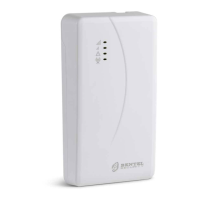
This page gives a range of information about the communicator, as indicated below.
When you select the Status page, the Console automatically displays the Communicate Tags window to establish
communications with the communicator; once it is, the Status page updates every 5 seconds
Device Information
The Device Details box shows information which may be requested by technical assistance.
The Network Status box shows information relating to the GSM network, as given below.
GSM Provider Name: indicates the name of the mobile phone operator.
GSM Signal Strength: gives the strength of the GSM signal.
Cellular: the type of network.
Best Operator: when no SIM is in the communicator, it shows the mobile operator with the best signal strength.
Last Credit Received: shows the SIM's credit updated to the last request made with the Request for PayAsYouGo
Balance button or as programmed in the Pay As You Go Balance section of Options page.
Last Credit Date/Time: shows the date and time of the last credit update.
Request for PayAsYouGo Balance: press this button to display the residual credit of the communicator's SIM card.
This function is only available with the local connection (PC-LINK or USB) and if the Pay As You Go Balance options in the
Options page have been set properly.
GSM
Main board
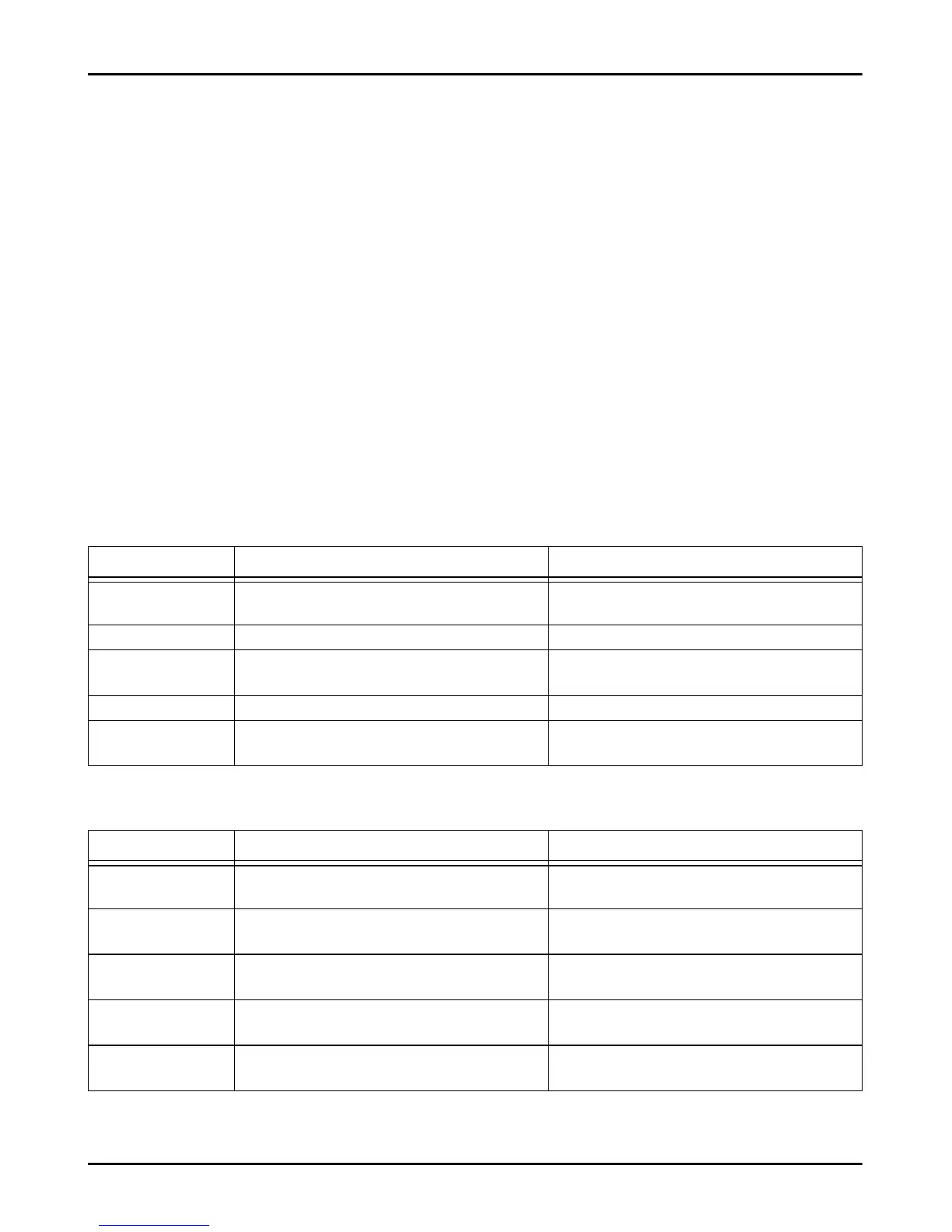
LED Normal operation Malfunction
GSM ready Green: the GSM network is available and the
communicator is operating.
Red: the communicator is not yet ready.
Radio ON Green: the radio module is on. Red: the radio module is off.
SIM OK Green: the SIM is properly functioning. Red: there is a problem with the SIM card: SIM not
present, SIM expired, PIN enabled on SIM.
Carrier OK Green: the operator is connected. Red: the operator has not been connected.
Signal OK Green: the signal strength is above the required
minimum.
Red: signal too low or no signal.
LED Normal operation Malfunction
Power OK Green: main power (+V terminal) is above the
minimum threshold.
Red: main power (+V terminal) is less than 10 V.
Battery OK Green: the communicator's battery (if any) is
charged.
Red: the battery voltage is less than 3.4 V.
PSTN OK Green: the PSTN line (connected to the
communicator's LE terminals) is available.
Red: the voltage on the LE terminals is less than
2.5 V.
No Jamming Green: no jamming. Red: the communicator's function is being jammed
(sabotage).
Antenna OK Green: the antenna ANT5-02 is connected and
working properly.
Red: the antenna ANT5-02 is connected but NOT
working OK (wire cut).



 To Next Page