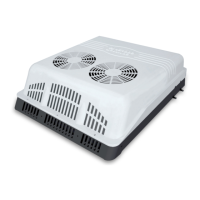
Cut Driver’s Side Support Wall to
Allow Clearance for the NITE
Phoenix Unit.
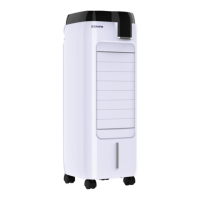
Mark area as shown to allow proper
clearance around unit for the Phoenix to
protrude inside the driver’s side storage
box. Use an air saw to cut opening.
When necessary cut bottom, front and
rear edges flush. Template must be
placed against the front bunk support
wall to allow clearance for the elbow on
the back of the unit.
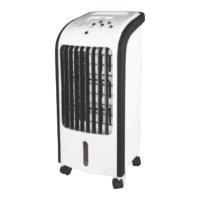
Apply Trim Lock Protector to Cut
Edge Cover the sharp edge of the cut
opening.
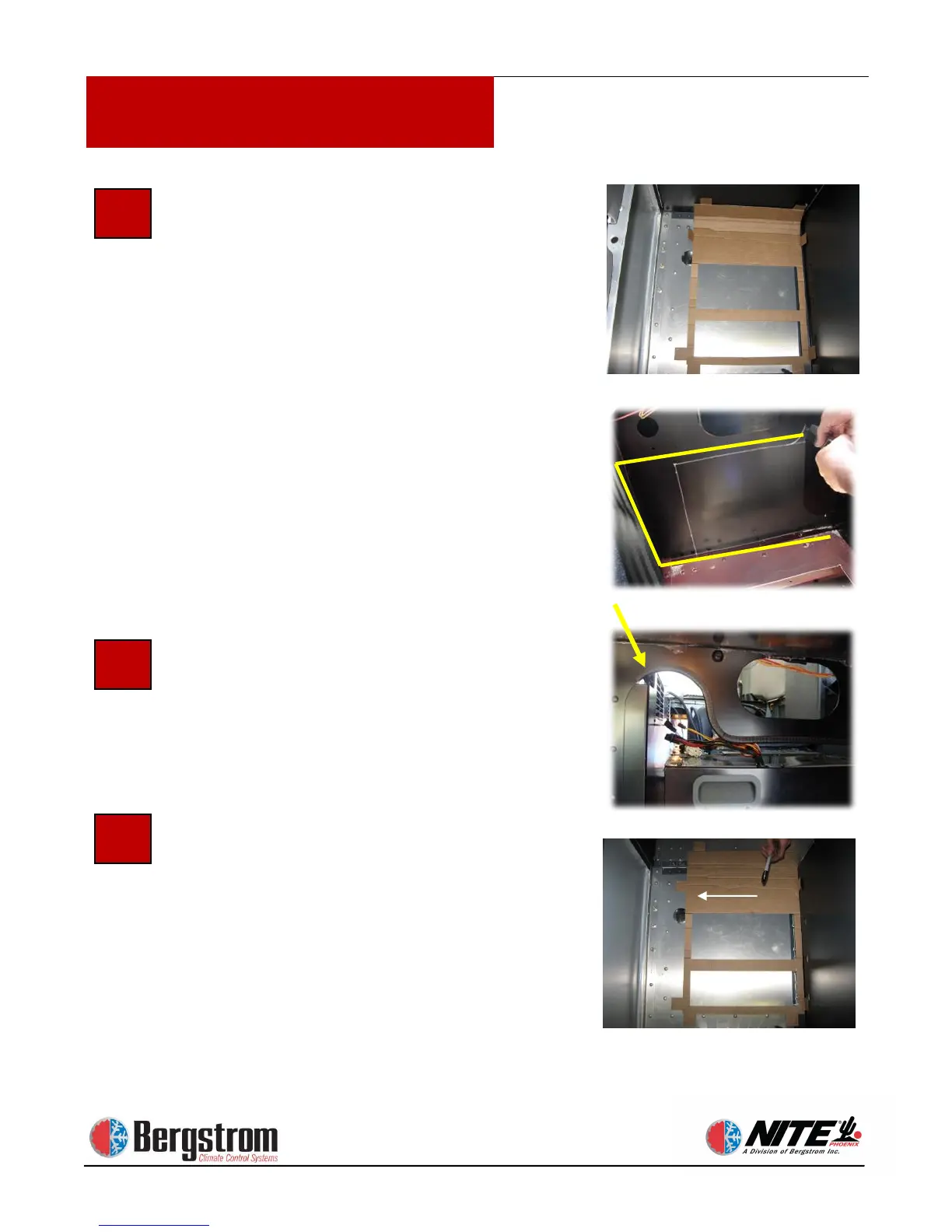
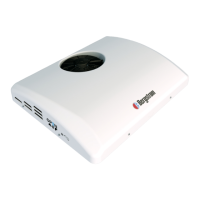
Determine Location for NITE
Phoenix Unit Mounting Plate. After
the side wall is cut out fold the two
mounting tabs on the template, opposite
the AIR outlet arrow and position the
template close to the front wall of the
bunk support (see photo). Check under
the truck for any obstructions. Locate
the edges of the cross members using
rivets as guides. Do not cut through
cross members.


 To Next Page