12
The yellow LED starts blinking.
When the actuator reaches the CLOSED position, press on SW1
to validate this position as the CLOSED position.
The yellow LED remains ON.
Check that the position transmission operates correctly by
measuring the current intensity between terminals 32 & 33.
If it does not, return to step 1.
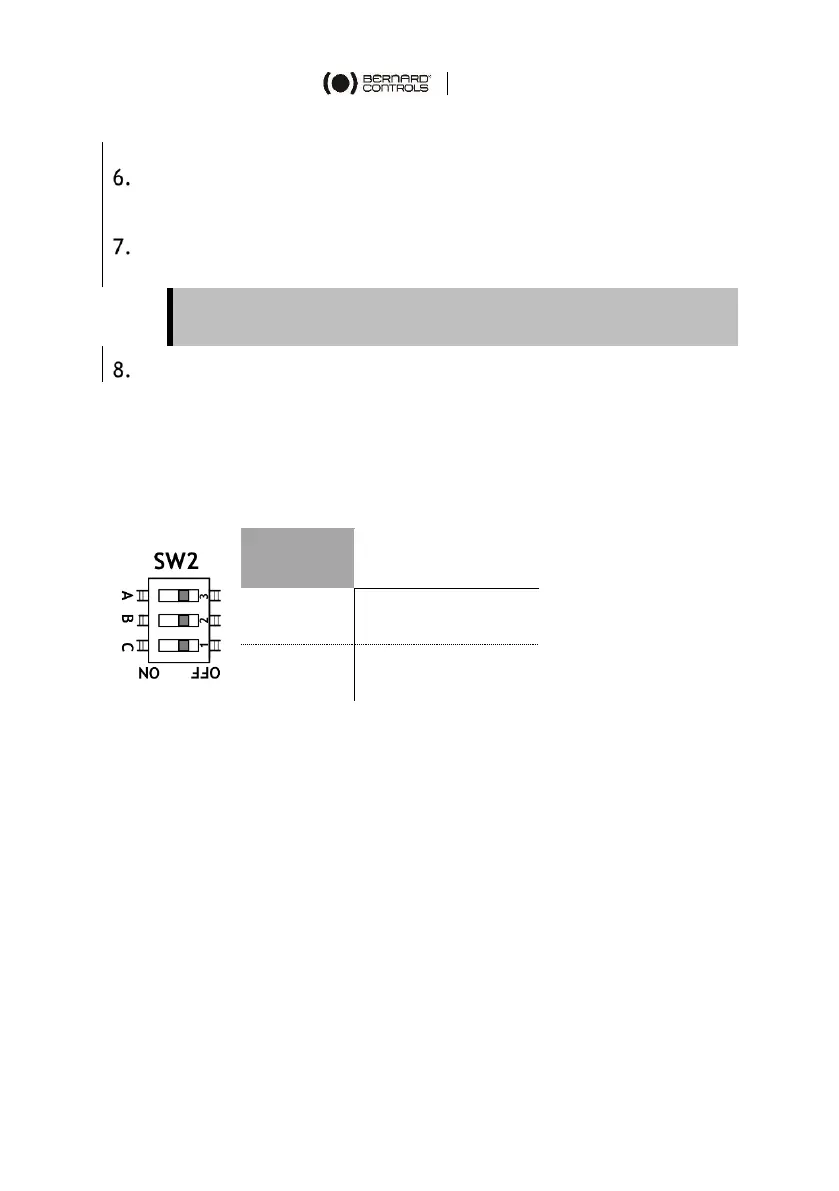
How to set closing direction
You can use the SW2 C dip switch to set the closing direction (A & B
are not used).
This setting must be done with the power off.



 To Next Page