15
bernette SEWING MACHINE WORKBOOK
80/12 Universal
Heavy flannel, 7” x 6”
Lightweight tear-away stabilizer 3.5” x 6”
Buttonhole Foot with Slide
1-STEP BUTTONHOLE
As programmed
Fold annel in half to 3.5” x 6” and press.
1.
Insert the corner of the fabric under the foot.
Press the needle stop up/down button twice.
Remove the fabric to the left to draw the needle
thread through the hole of the foot.
Place the fabric under the foot, and lower the
needle at the starting point of the buttonhole
mark.
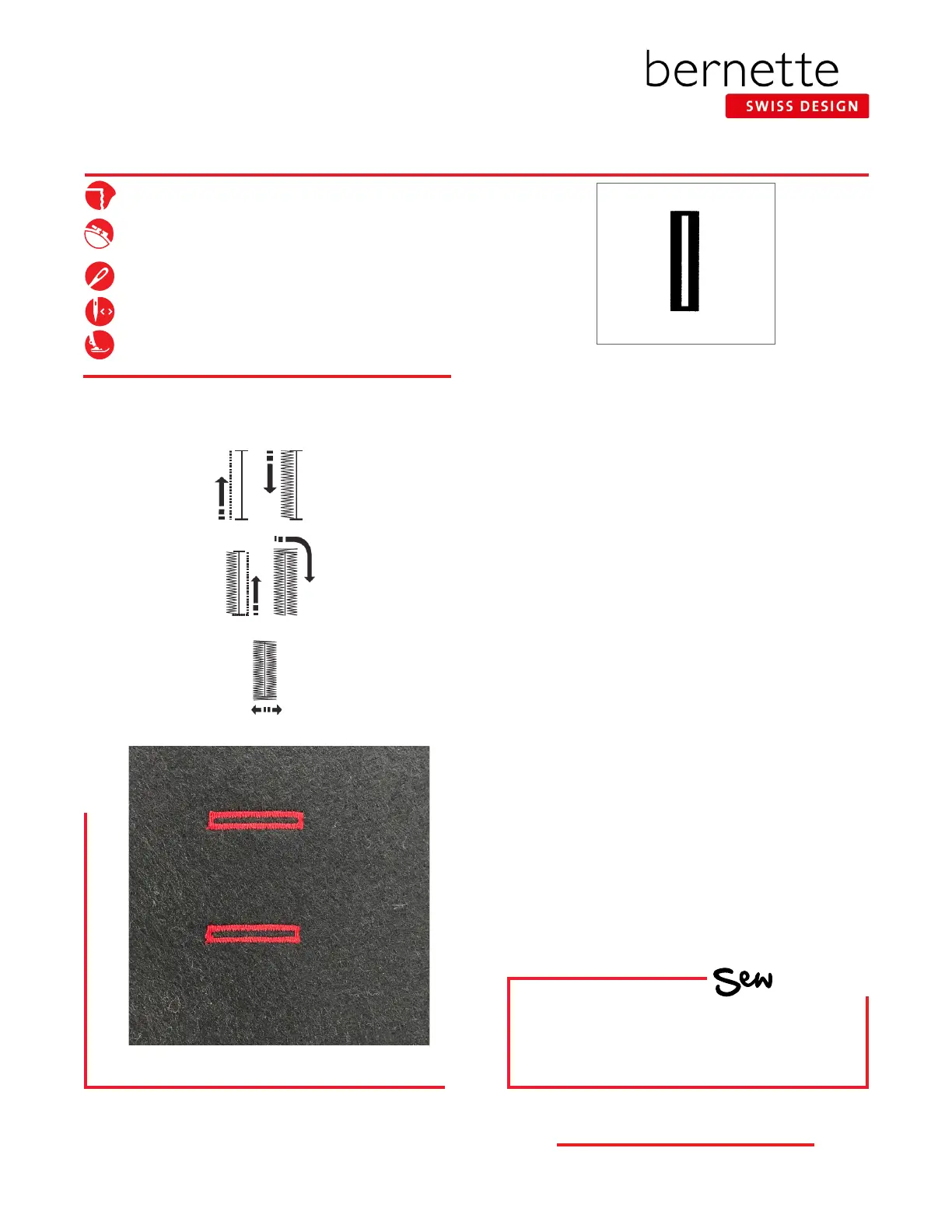
Lower the Buttonhole foot with slide. Start to
sew, keeping the foot control depressed until
buttonhole is complete (it will stitch following the
steps shown in the diagram to the left).
9.
Insert stabilizer between the layers.
2.
Mark buttonhole on fabric by drawing a line 1
1/2” from the fold along the 6” length. Mark the
beginning point for each buttonhole along the
drawn line.
3.
Select the Standard buttonhole.
4.
Press the needle stop up/down button to
raise the needle.
5.
Attach the Buttonhole Foot with Slide.
6.
Pull the button holder to the back, and place
the button in it. Push it together tightly against
the button.
7.
Pull buttonhole lever down as far as it will go.
8.
HOW
Do you know how to:
• Select a buttonhole?
• Stitch a buttonhole?
10.
11.
For Models b35, b05



 To Next Page