9
bernette SEWING MACHINE WORKBOOK
STITCH SELECTION
bernette Models: sew&go and b33
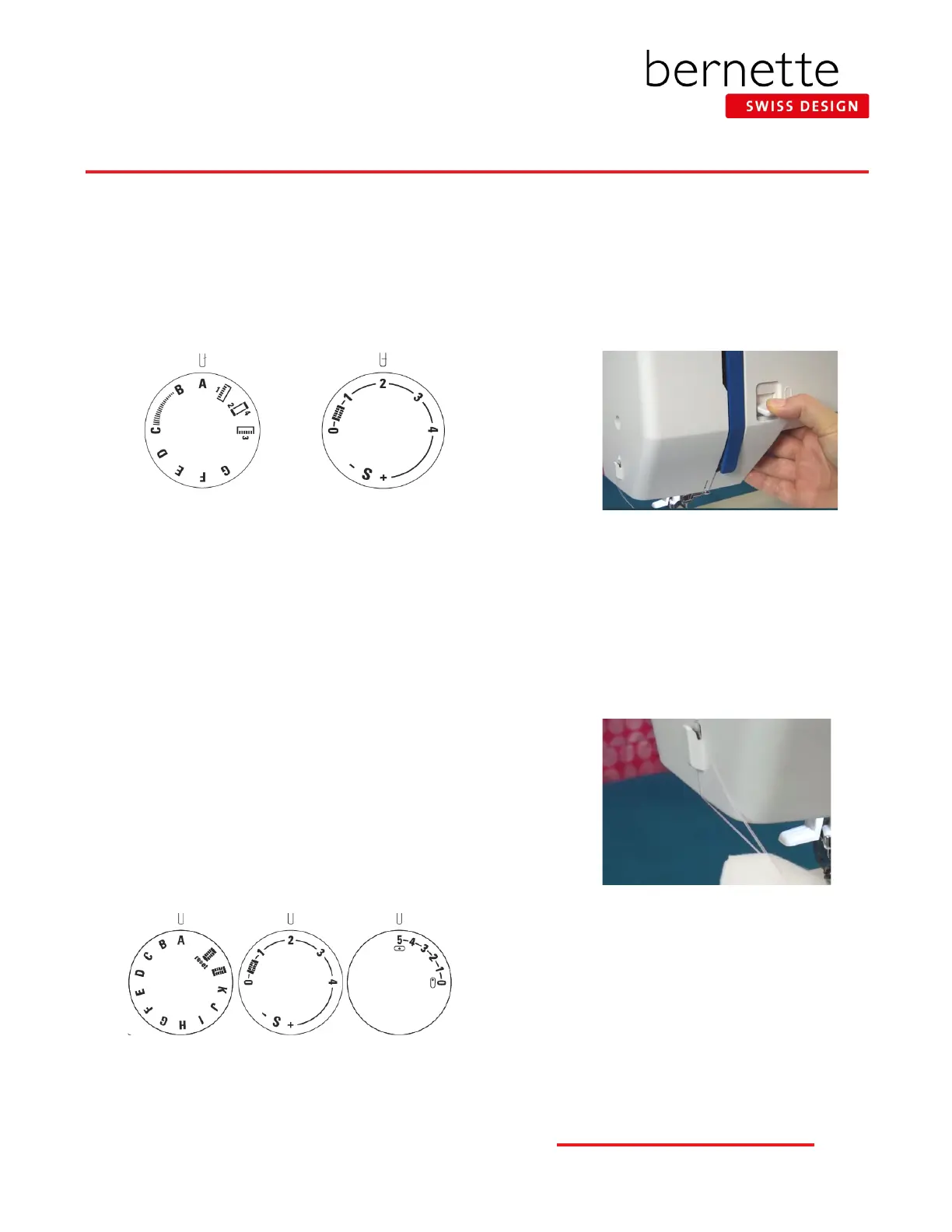
With the needle up, turn the stitch pattern selector knob so that
the symbol with the desired stitch pattern points at the setting
mark.
Turn the stitch length knob to adjust the length; the higher the
number, the longer the stitch length.
Stitch Pattern
Selector knob
Stitch Length knob
To access the stretch stitches on the b33 (not available on the
sew&go), turn the Stitch Length knob to “S”. The stretch stitch
patterns are shown on the machine in red. When the S is selected,
the letters on the Stitch Pattern Selector knob will access the
stretch stitches.
bernette Model: b35
With the needle up, turn the stitch pattern selector knob so that
the symbol with the desired stitch pattern points at the setting
mark.
Turn the stitch length knob to adjust the length; the higher the
number, the longer the stitch length.
Turn the stitch width knob to adjust the width; the higher the
number, the wider the stitch length.
Stitch Pattern
Selector knob
Stitch Length
knob
Stitch Width
knob
Helpful Basics
Securing Stitches
Secure straight stitches using the reverse
sewing feature. As long as the reverse sewing
lever is depressed, the machine will sew in
reverse.
Thread Cutter
To cut the thread at the end of a seam, raise
the presser foot and remove the fabric, pulling
the threads towards the back. Go past the
side thread cutter and then back over the top
to cut the thread. The threads are now the
proper length to begin sewing the next seam.
Basting
Select the straight stitch and adjust the length
to 4 mm - 5 mm. This forms a loose, long stitch
that can temporarily hold fabrics together and
easily be removed as needed.



 To Next Page