10 Optional accessories
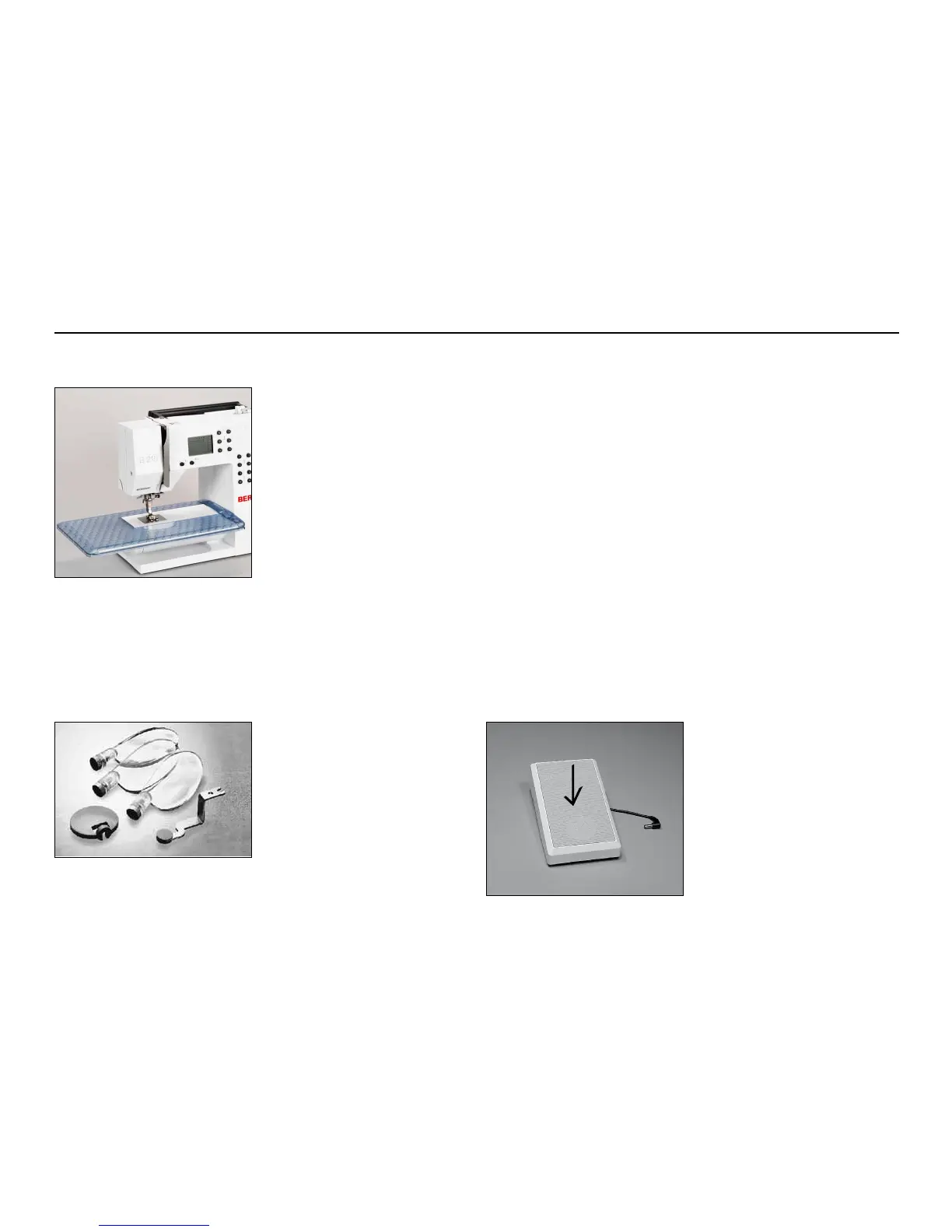
Sewing table
To attach
•
raise the needle and presser
foot
•
place the table over the free
arm and press firmly so that it
engages on the fixing cam
To remove
•
raise the needle and presser
foot
•
pull the table out of the fixing
cam
•
pull in a horizontal position to
the left
Scale of sewing table
•
«0» corresponds to the centre
needle position
Seam guide for sewing table
•
insert into the groove (under-
side of table) from the right or
left
•
it can be freely adjust over the
whole width of the table
Note: Remove the presser
foot or the presser foot shaft
when attaching the seam
guide!
We recommend the use of the
BERNINA Lens Set for more
comfort when sewing.
Lens Set
Sewing speed
•
control the sewing speed by
depressing the foot control
•
raise or lower the needle by
tapping on the foot control
with your heel
Foot Control



 To Next Page