27
Functions
█
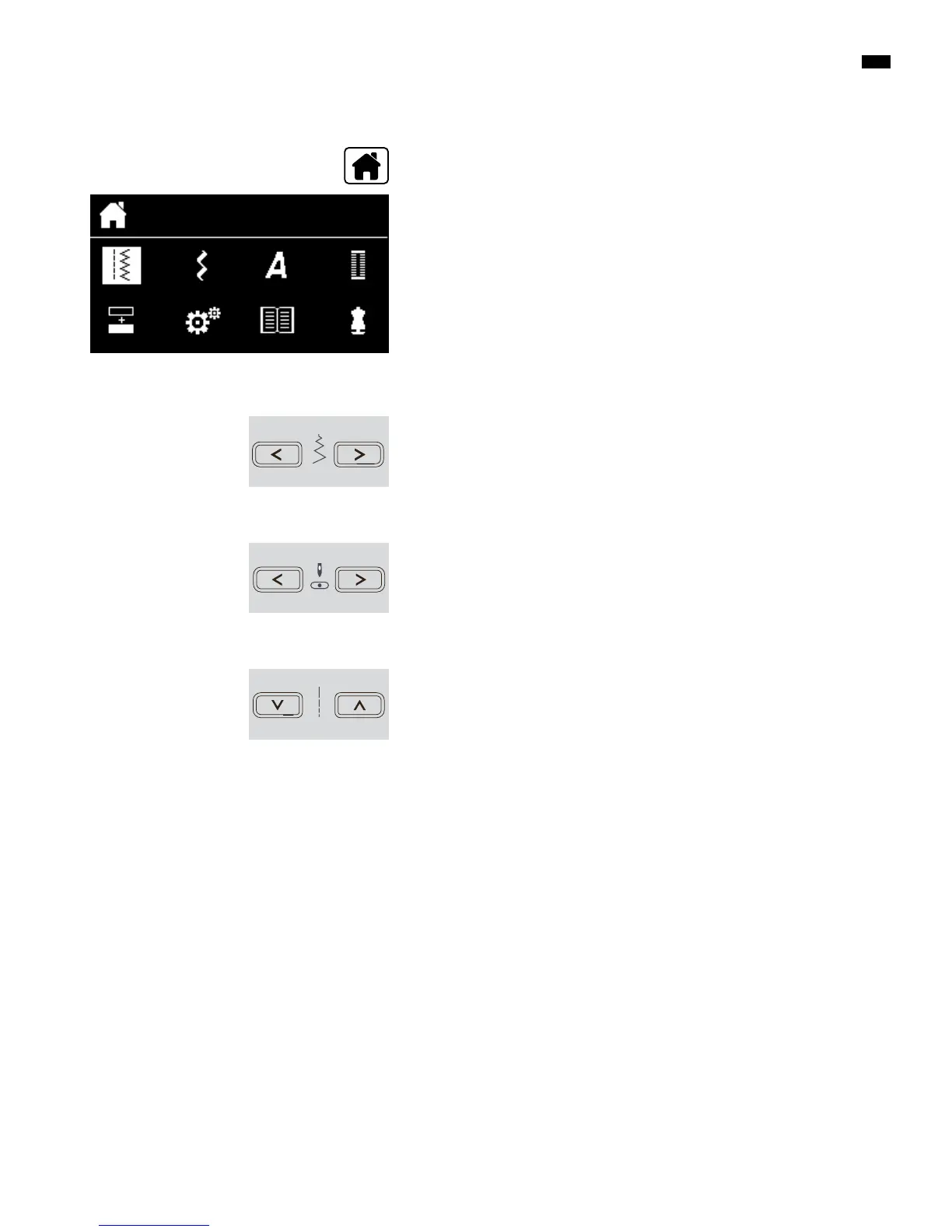
choose the desired stitch category in the main menu via the
«Navigation»-buttons (see page 29)
█
confirm by pressing the «OK»-button
Altering stitch width
█
press the left button
►
narrows the stitch width
█
press the right button
►
widens the stitch width
█
keep button pressed
►
quick alteration
Adjusting individually
Altering needle position
█
press the left button
►
needle moves to the left
█
press the right button
►
needle moves to the right
█
keep button pressed
►
quick alteration
Altering stitch length
█
press the left button
►
shortens the stitch length
█
press the right button
►
elongates the stitch length
█
keep button pressed
►
quick alteration
Stitch categories
█
press «Home»-button



 To Next Page