Setting up software
56
3 Setting up software
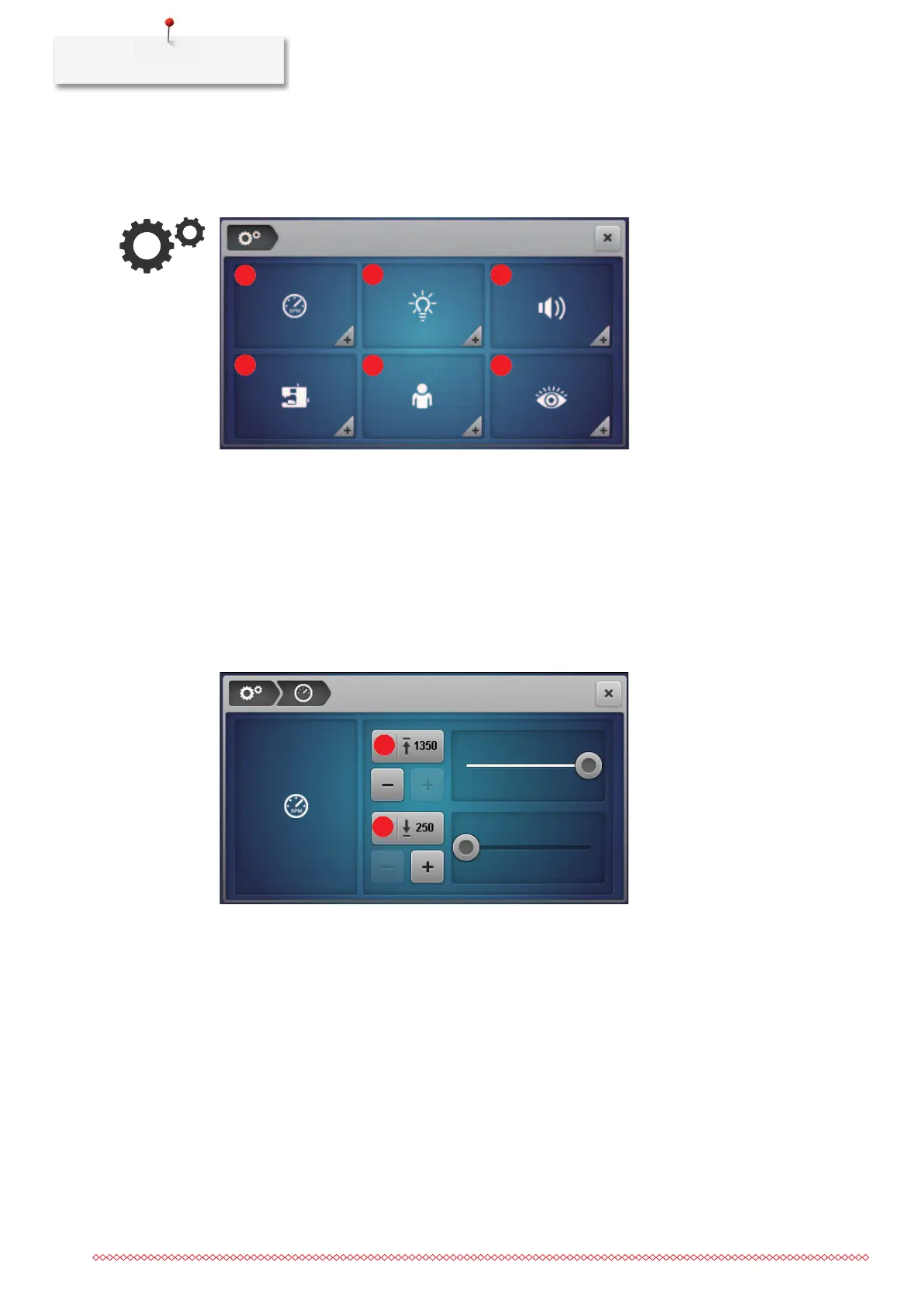
3.1 Setup Program
1 «Sewing speed» 4 «Firmware settings»
2 «Screen brightness / sewing light» 5 «Personal settings»
3 «Sound settings» 6 «Monitoring functions»
Adjusting the sewing speed
The sewing speed of the machine can be preset.
The maximum sewing speed is achieved by pressing the foot control all the way down. The minimum sewing
speed is attained by pressing the foot control gently. (see page39)
1 «Setting the maximum sewing speed» 2 «Setting the minimum sewing speed»
> Preset the maximum sewing speed.


 To Next Page