Machine settings
74
Setting the cutting width
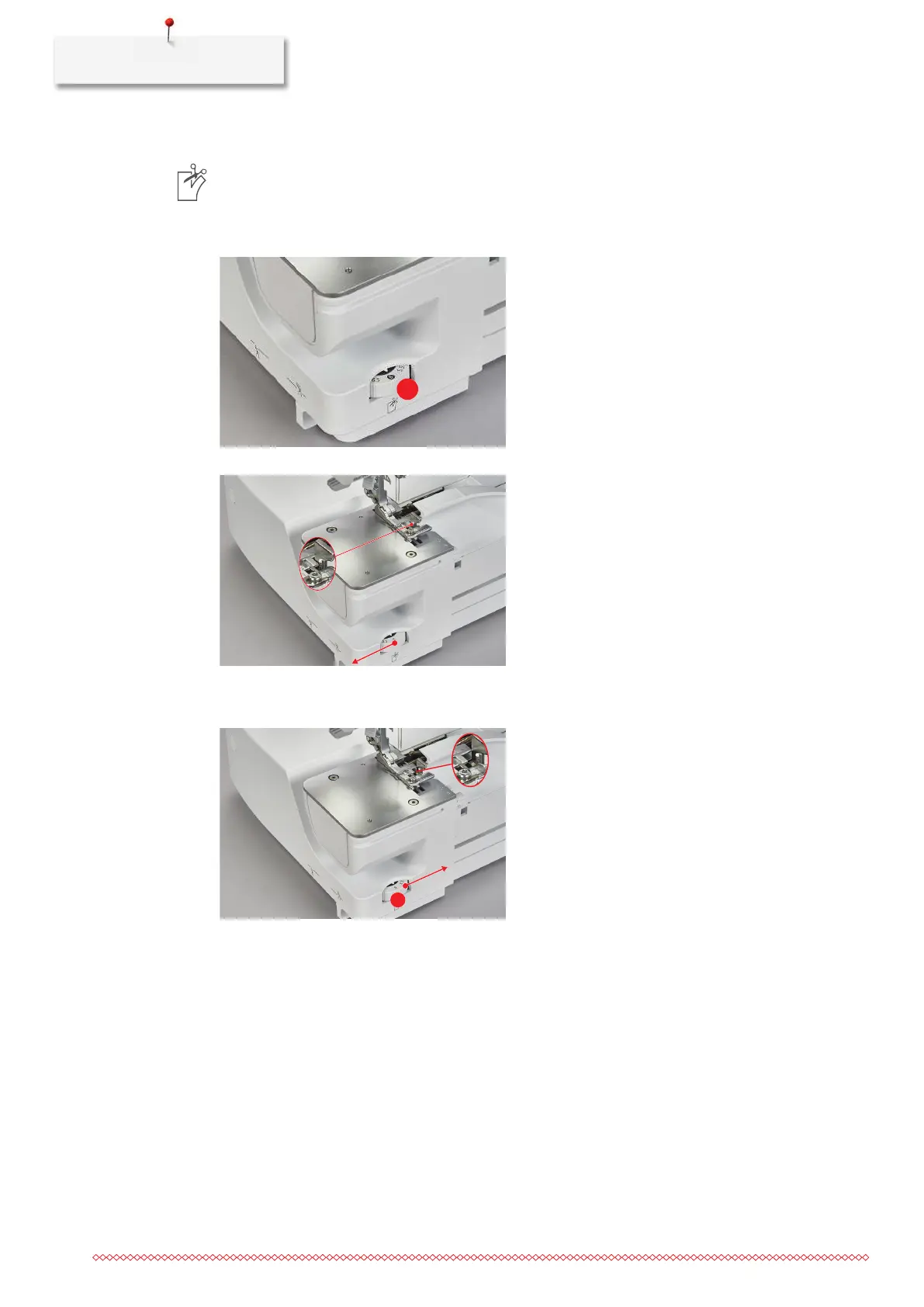
The cutting width for the knife position can be adjusted between 5 - 9 mm. The numbers on the scale
correspond with the actual cutting width in mm from the left overlock needle «LN» to the cutting edge. The
cutting width is used to determine the stitch width. The set cutting width is indicated at the cutting width
dial. (see page84)
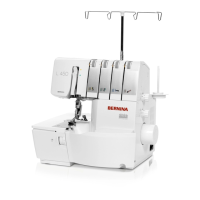
> To increase the cutting width, turn the cutting width dial (1) to the a higher value.
– The set cutting width is visible on the cutting width dial.
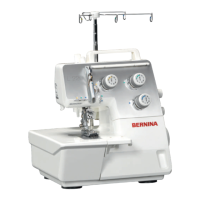
> To reduce the cutting width, turn the cutting width dial (1) to a lower value.
– The knife, the stitch finger and the looper cover move in the corresponding direction as a result of the
set knife position.


 To Next Page