Machine settings
83
6.7 Setting the presser foot pressure
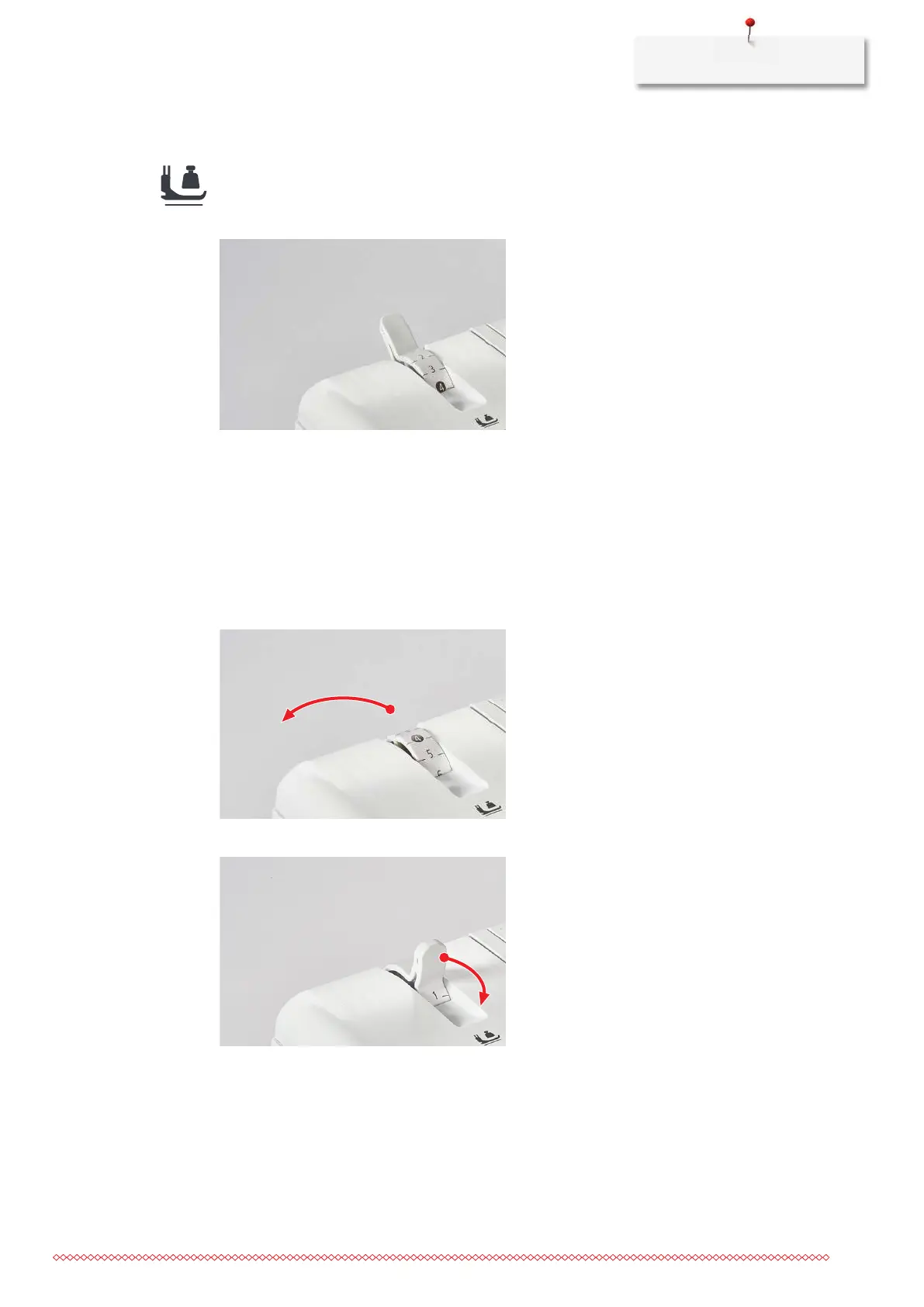
The Presser Foot Pressure of the machine is set in the default value "4" so that it is suitable for sewing
medium-weight fabrics. Most materials do not require any adjustment of the Presser Foot Pressure. However,
there are some cases where an adjustment is necessary, for example when sewing very light or heavy fabrics.
1 Extra-light 4 Default value
2 Light 5 Medium-high
3 Medium-light 6 High
> To set the optimal presser foot pressure for your sewing project, perform a sewing test.
> Reduce the presser foot pressure for light fabrics.
> Increase the presser foot pressure for heavy fabrics.
> To increase the presser foot pressure, set the presser foot pressure wheel to a higher value.
> To reduce the presser foot pressure, set the presser foot pressure wheel to a lower value.


 To Next Page