Be242 Be242RB Be242-22 OEM's Manual V4.X.XX - March - 2023 page 5
Every time the power supply is switched on, if the BE242 was in TEST or AUTO prior to power down, the Be242
returns to the “AUTO” mode. In the other cases, the Be242 will enter the OFF mode. The following table
indicates the modes of operation.
All turned Off, dot on the display
thr freen LED on the button
the green LED on the button
the green LED on the button
see section 6.0
and 13.0
-
2.1 OFF mode
Push the button [OFF] to enter the OFF mode. The OFF mode clears the fault alarms and allows you to read or
program parameters (section 6.0). The Display and LEDs are turned off and a dot on the display will blink slowly.
Push one of the push buttons on the front panel to activate the display.
2.2 MANUAL mode
Note: default programming for emergency input is ‘normally closed ‘. To inhibit the alarm [Er.08]
you are required to connect terminal JH4 to JH1 (Emergency input). You can reverse the contact by
changing the type of the contact (see P35 on table 7.04).
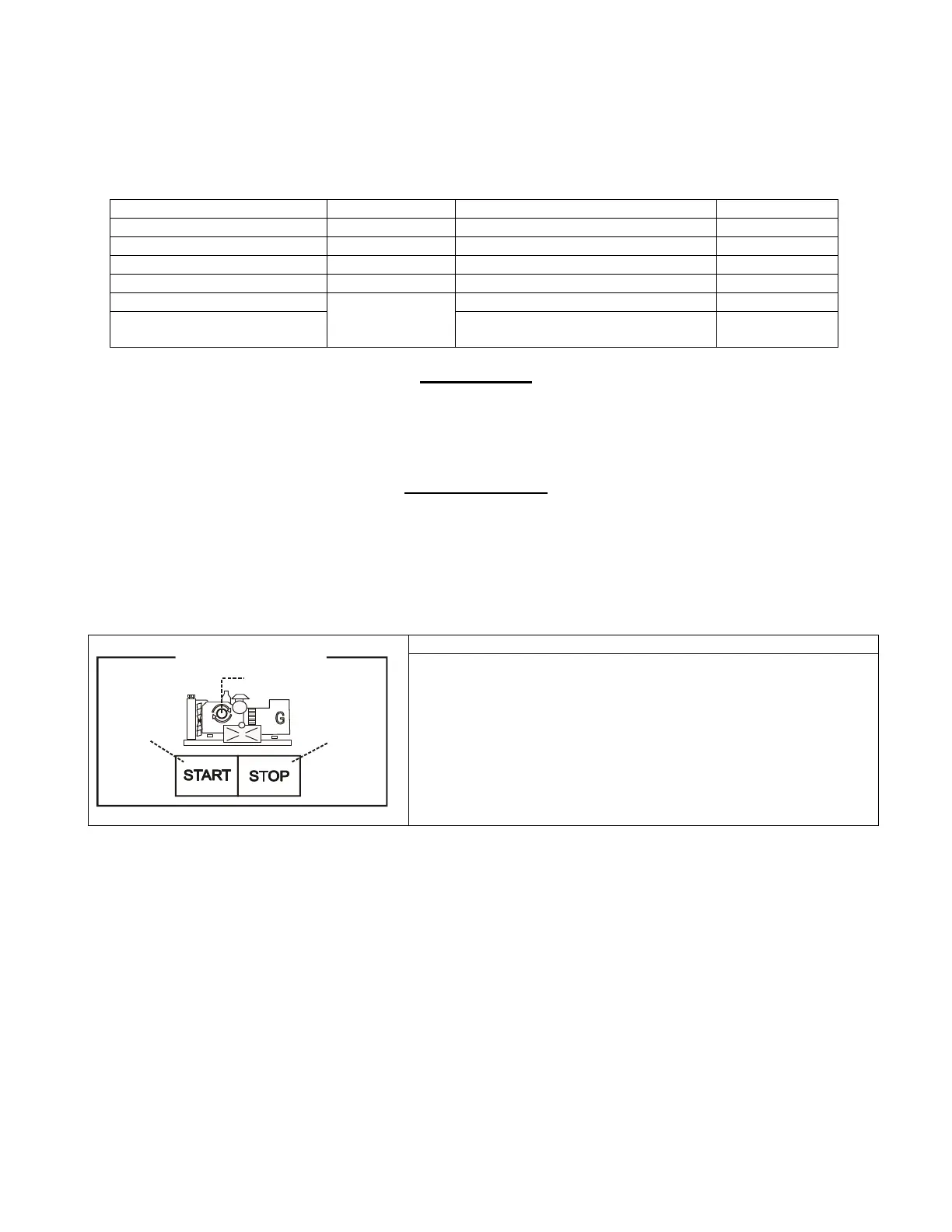
The MANUAL mode allows manual control of the Engine and Contactors.
START
Pushbutton
Manual Engine Control
STOP
Pushbutton
Engine Running
green LED
Push the [MAN] push button to select the MANUAL mode. Push
the [START] push button until the engine starts; the display
indicates the message [. . . .] during the starting attempts (and [! !
! !] during the preheat).
When the engine is running, the green LED turns on. To stop the
engine, push the [STOP] push button until the [StOP] message
appears on the display. If the engine has already stopped, it is
possible to reset the STOP sequence by pressing the [STOP]
push button.


 To Next Page