16
EN
Non-contact forehead thermometer FT 90
7.1 Displaying saved measurements
The device only stores measurements in forehead temperature mode . The device auto-
matically stores the values from the last 60 measurements.
When 60 storage places are exceeded the oldest value is deleted.
The memory can be called up as follows:
•
With the thermometer switched on, press and hold the MODE/MEM button for 5 seconds.
The most recent measurement is displayed.
•
With each subsequent pressing of the MODE/MEM button, fi rst the storage space num-
ber is displayed followed by the measurement upon release.
•
In the upper line, the time and date are displayed alternately.
8. Measuring object temperature / room temperature
Object temperature mode
If you want to measure an object temperature with this thermometer, switch
to object temperature mode.
•
With the thermometer switched on, briefl y press the MODE/MEM button.
The device switches to the object temperature mode .
•
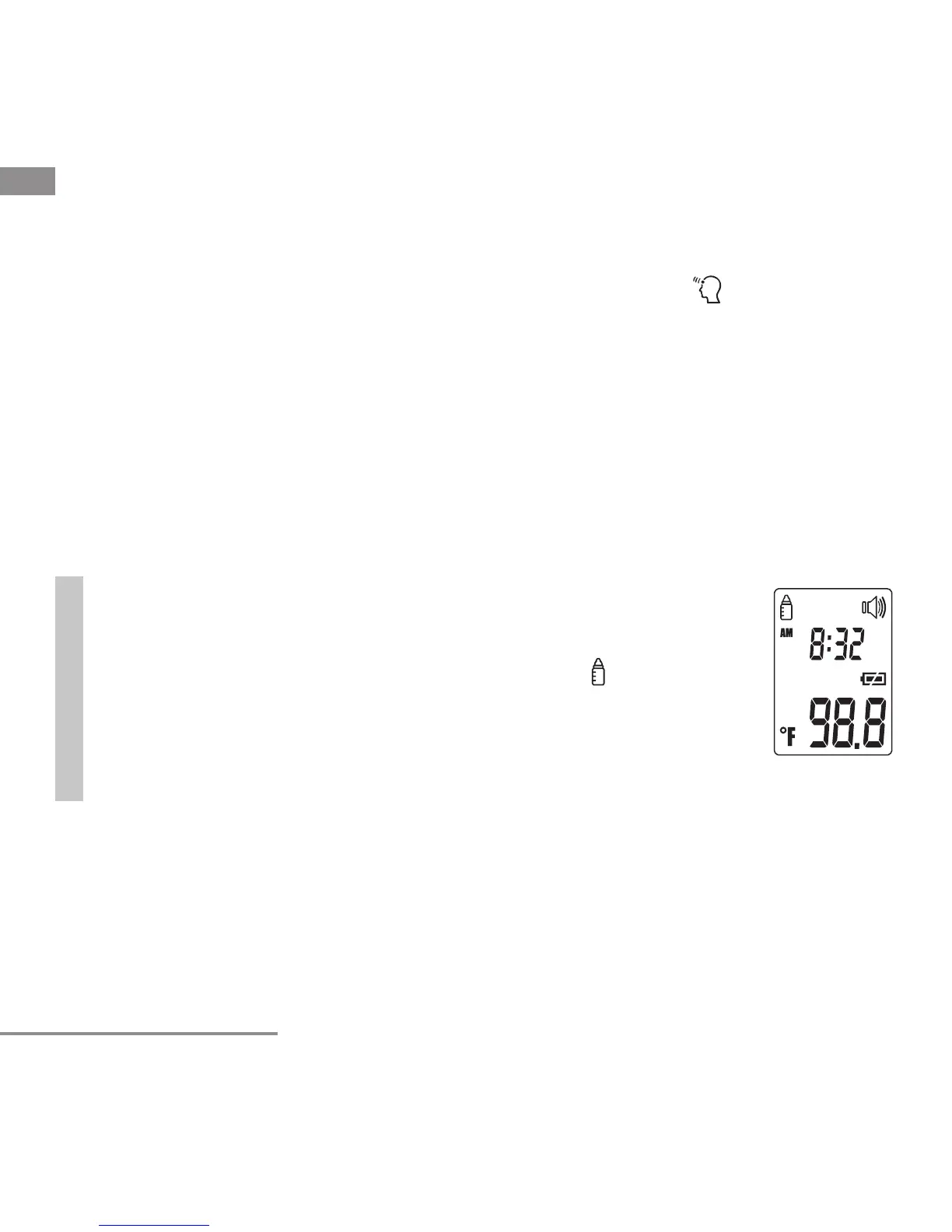
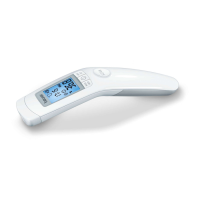
Hold the thermometer 0.78”-1.18” from the measuring point. Briefl y press
the Start-measurement button and read the temperature in the display
(fi g. 9).
Measurements taken in object temperature mode are not stored.
Fig. 9


 To Next Page