12
EN
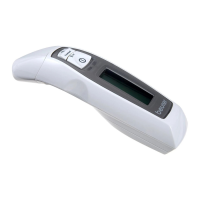
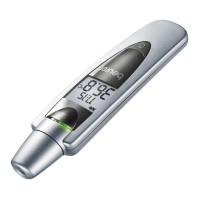
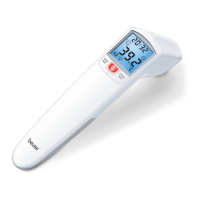
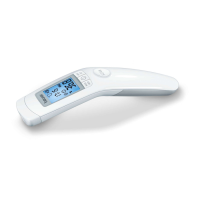
Non-contact forehead thermometer FT 90
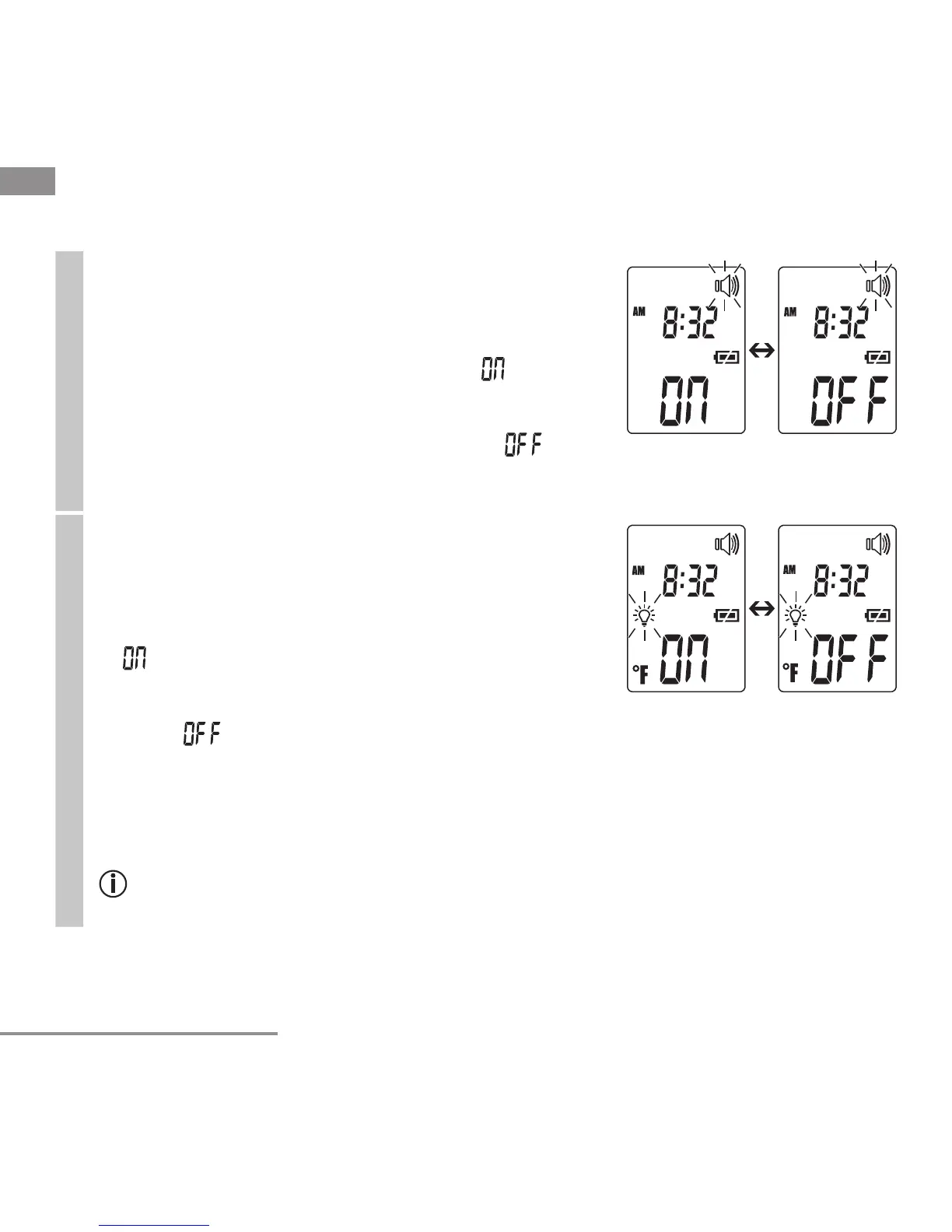
Acoustic signal
The acoustic signal symbol fl ashes in the display (fi g. 6).
You can activate/deactivate the acoustic signals (device
activation, measurement in progress, measurement
completion).
•
To activate the acoustic signals, select using the
MODE/MEM button and confi rm with the LIGHT/
SET button.
•
To deactivate the acoustic signals, select
using the MODE/MEM button and confi rm with the
LIGHT/SET button.
Fig. 6
Illuminated display
The light symbol fl ashes in the display (fi g. 7).
You can activate or deactivate the automatic illuminated
display (appears following forehead temperature mea-
surement).
•
To activate the automatic illuminated display, select
using the MODE/MEM button and confi rm with
the LIGHT/SET button.
•
To deactivate the automatic illuminated display,
select using the MODE/MEM button and con-
fi rm with the LIGHT/SET button.
Fig. 7
You can also activate the illuminated display manually by briefl y pressing the LIGHT/
SET button.
The display lights up for 5 seconds.
The automatic and manual illuminated display cannot be used while measure-
ment is in progress.


 To Next Page