10
EN
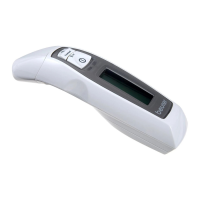
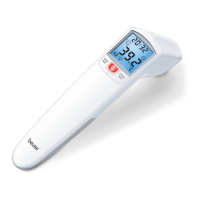
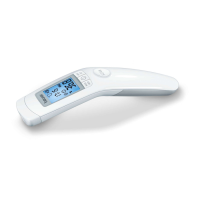
Non-contact forehead thermometer FT 90
6. Switching on and setting the thermometer
The measuring sensor should be cleaned before and after each use, to eliminate
dirt and fi ngerprints and ensure accuracy of your readings.
Briefl y press the On/O button
.
After a brief self-test and two short beeps the thermometer is ready for forehead measure-
ment.
The device always starts up in forehead temperature mode .
6.1 Setting the basic functions
This menu allows you to set the following functions individually, one after another.
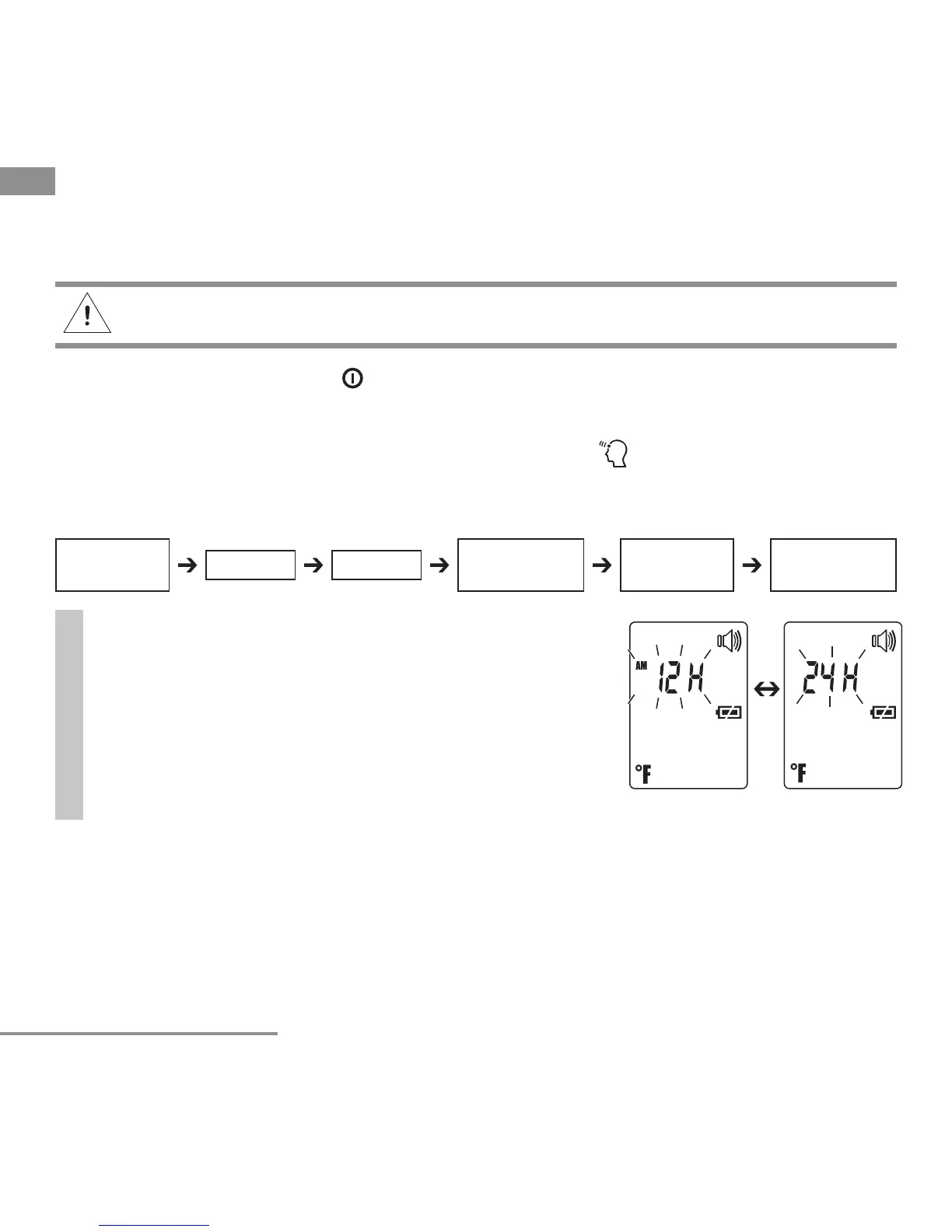
Time format
•
With the thermometer switched on, press and hold
the LIGHT/SET button for 5 seconds.
The time format option fl ashes on the display (fi g. 1).
•
Use the MODE/MEM button to set your preferred
time format and confi rm with the LIGHT/SET button.
Fig. 1
Temperature
meas. unit
Illuminated
display
Time
format
Date Time
Acoustic
signal


 To Next Page