33
Doc. No. 002 Issue 2 April 1998
Edit Level of Registration
This allows the user to choose what types of transactions are
sent to the printer
1 = System Faults 2 = Valid Logins 3 = Unsuccessful
remote logins
4 = Valid Access (Both code and telephone release)
5 = Access Denied (Wrong time zone for codes & 3 wrong
codes)
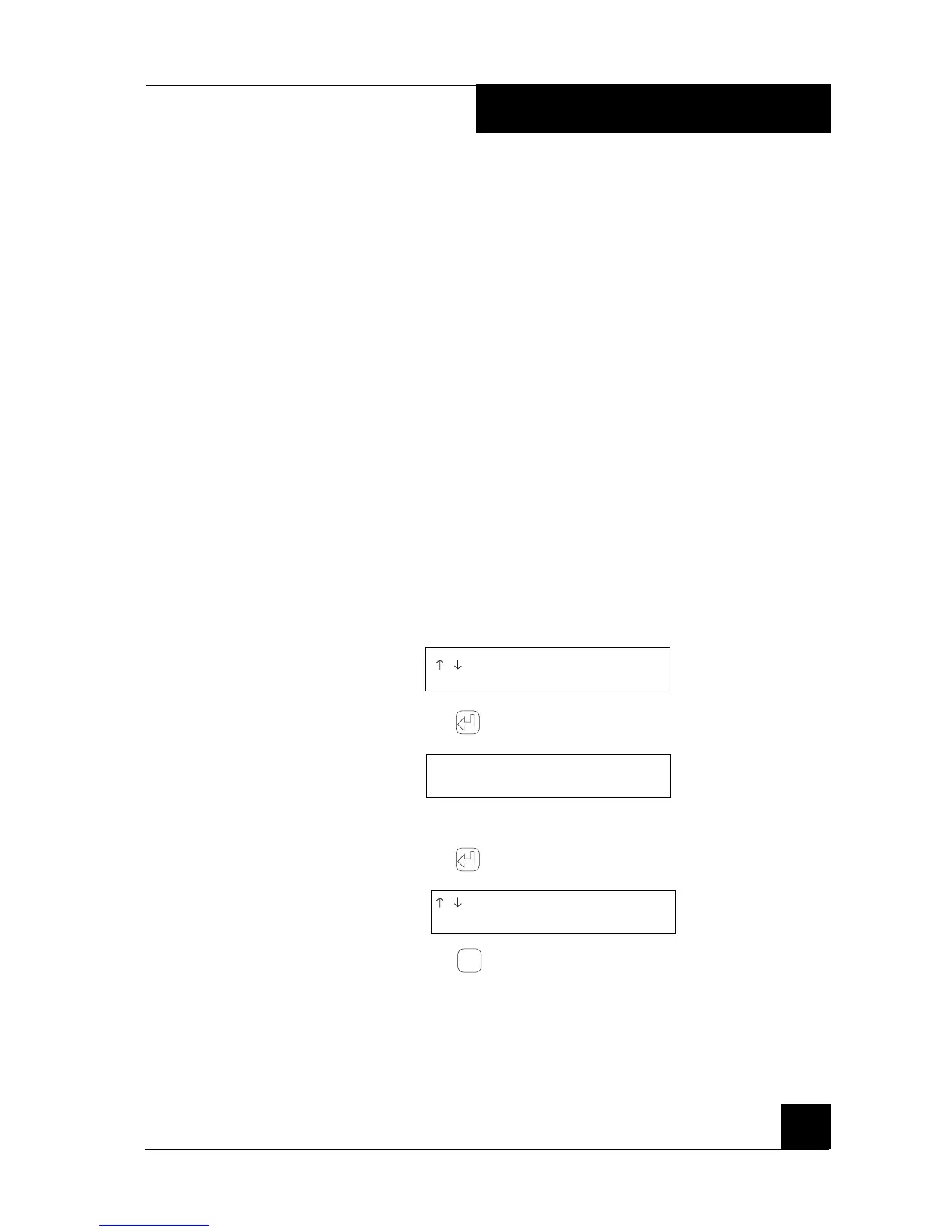
1 Go to the Options menu and scroll to the Edit Level of
Registration function (follow the initial instructions in the
Change call duration time section on page 27). The following text
is displayed:
/ TO SCROLL
EDIT LEVEL OF REGISTRATION
2 Press . The following text is displayed:
ENTER LEVELS
( 4 )
3 Enter the values required from the list above
4 Press . The following text is displayed again:
/ TO SCROLL
EDIT LEVEL OF REGISTRATION
5 Press
Esc
to go back to the stand-by position or scroll to
another function and continue programming.
4. PROGRAMMING



 To Next Page