34
Isssue 2
Doc. No. 002 Issue 2 April 1998
Print Event Log
This allows the user to print transactions that have been
stored in system when the printer is not connected
1 Go to the Options menu and scroll to the PRINT EVENT
LOG function (follow the initial instructions in the Change call
duration time section on page 27). The following text is dis-
played:
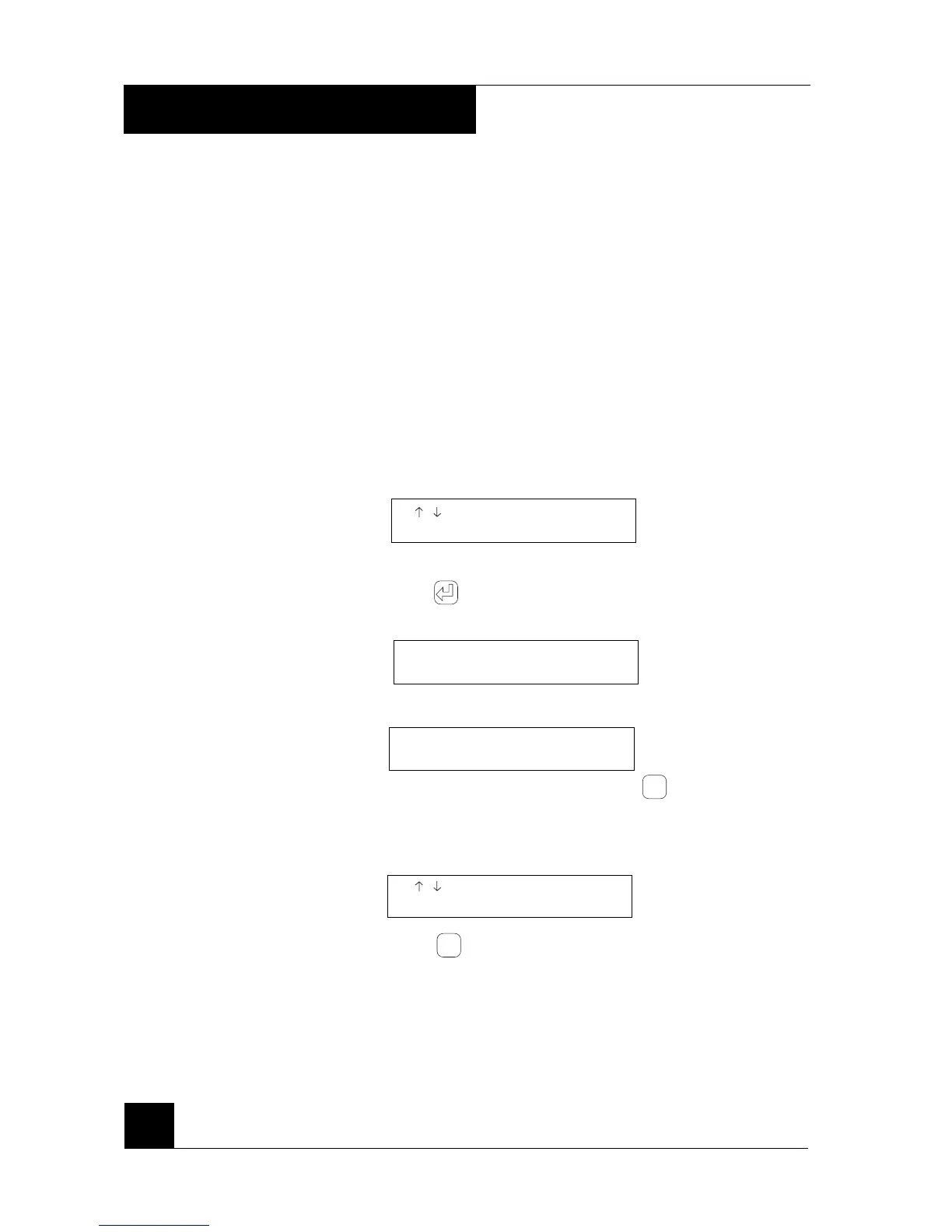
/ TO SCROLL
PRINT EVENT LOG
3 Press . The following text is displayed if the printer is not
connected or not on-line:
THE PRINTER IS NOT
READY YET
The following text is displayed if the printer is ready
PRINTING
PRINT EVENT LOG
Printing can be terminated by pressing
Esc
4 When printing is complete, or has been terminated, the
following text is displayed again:
/ TO SCROLL
PRINT EVENT LOG
5 Press
Esc
to go back to the stand-by position or scroll to
another function and continue programming.
4. PROGRAMMING



 To Next Page