25/30Operation
English
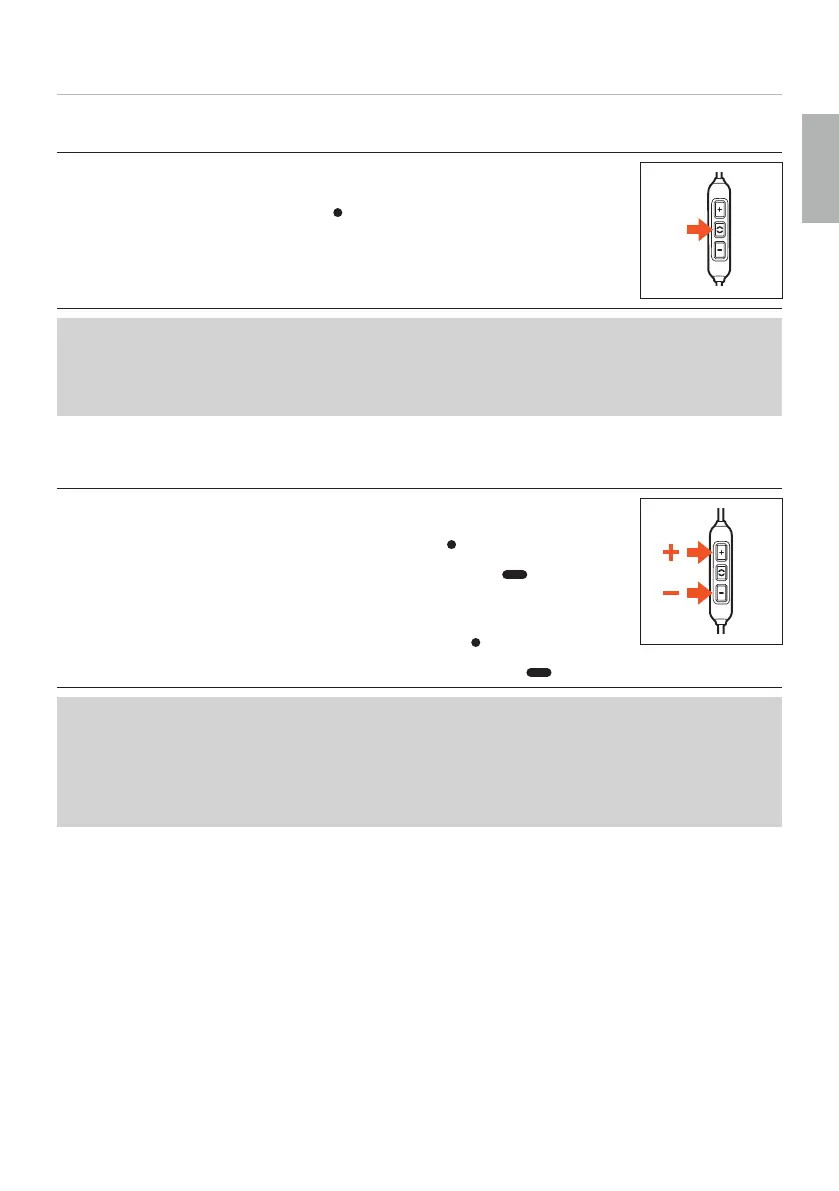
Playing media
To a / op playback:
► Briefly press the middle button (
) to a or op the media playback.
Depending on the playback device and the operating syem and/or soware version,
there may be fuher media playback functions that can be controlled by the middle
button.
Please contact the relevant manufacturer for fuher details.
Adjuing the volume
To increase volume
► In ages: briefly press the volume-up button (
).
► Continuously: press and hold the volume-up button ( ).
To decrease volume
► In ages: briefly press the volume-down button (
).
► Continuously: press and hold the volume-down button ( ).
Please note that not every playback device has this function.
On smaphones and tablets with an Android syem, it is necessary for the playback
device to suppo the Wired Audio Headset Specification:
https://source.android.com/devices/accessories/headset/plug-headset-spec
For more details, please contact the manufacturer of the playback device.















 To Next Page