26/30 Operation
Making a call
Accept / finish a call
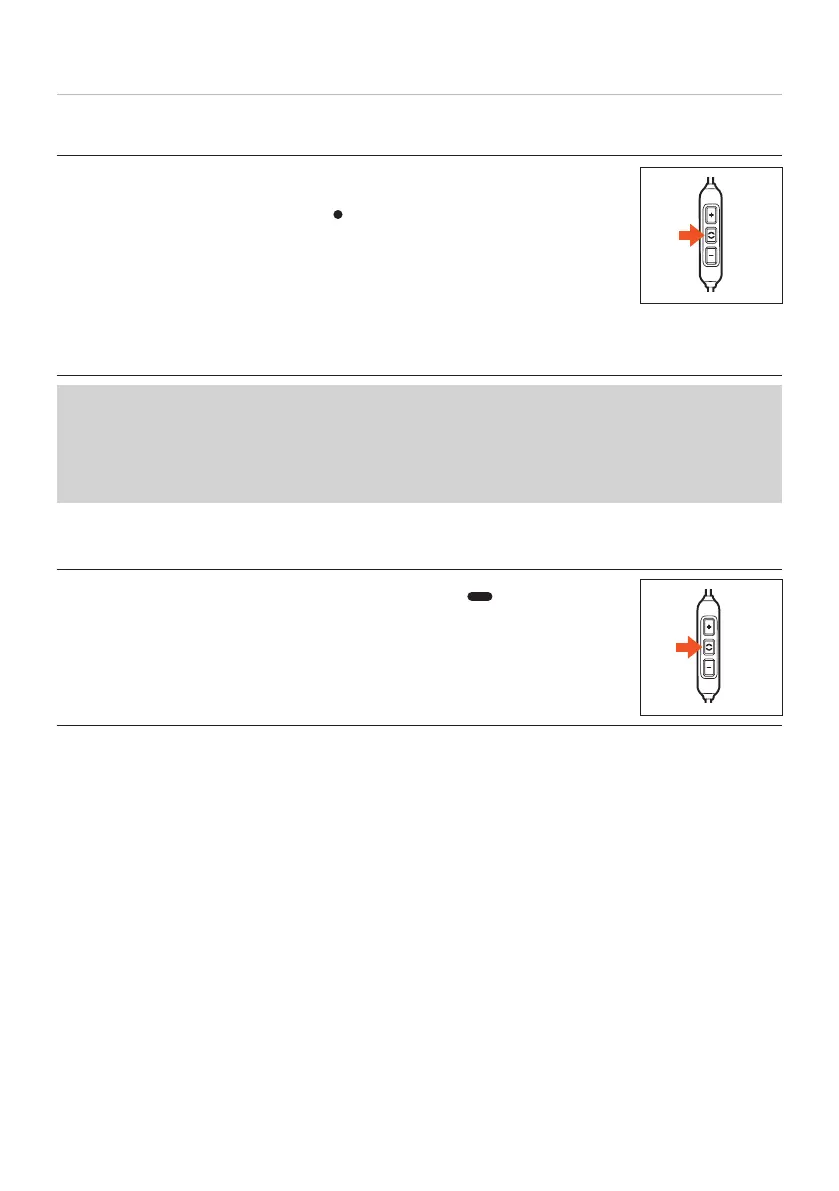
► Briefly press the middle button (
) to accept an incoming call or to
hang up.
During the call, make sure you do not cover the opening for the microphone on the back
of the remote control.
Depending on the playback device and the operating syem and/or soware version,
there may be fuher call control functions that can be controlled by the middle button.
For example, it is probably possible to call up a viual assiant (e.g. Siri or Google
Assiant) with the middle button.
Please contact the relevant manufacturer for fuher details.
Calling up a viual assiant
► Press and hold the middle button for 2 seconds ( ) to call up a
viual assiant (Siri, Google Assiant etc.).















 To Next Page