Advanced Setup
103
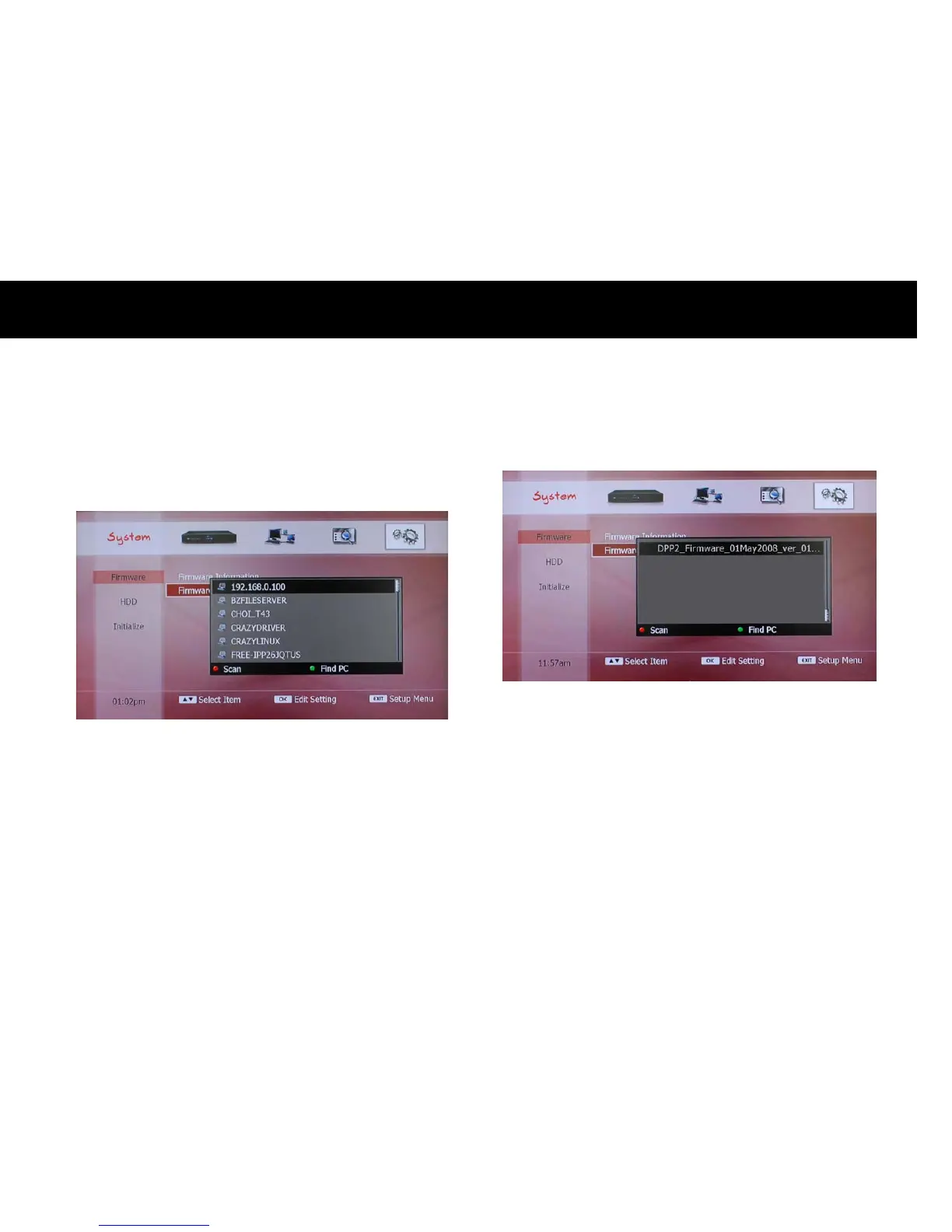
If you select the “Network” option, the PCs and network devices
connected to your home network will be displayed. If you can not see
any device on the list view, please press the
RED
button to scan the
devices.
You can also scan a specific network device with its IP address. Please
press the
GREEN
button and enter the IP address.
If you select the “Memory Card” or “USB” option, a list view will be
displayed.



 To Next Page