Advanced Setup
102
2. Management
You can upgrade or initialize your DP-P2 in this menu.
2-1.
F/W Upgrade
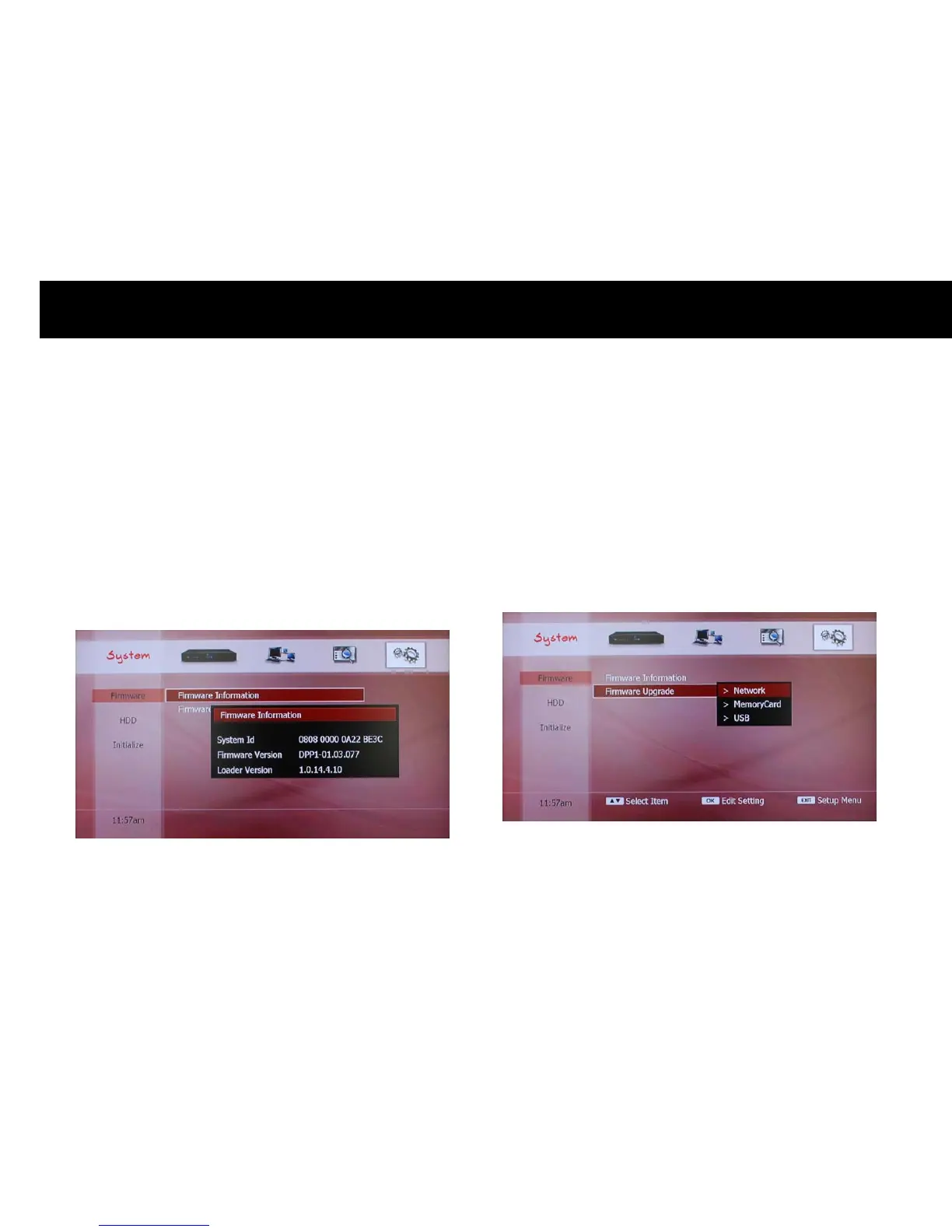
1) Firmware Information
Before upgrading the firmware, you can check the information and last
update. Press the
OK
button to get the information: System Identity,
Firmware Version and Last Update. You can exit with the
EXIT
button.
2) Firmware Upgrade
You can upgrade your DP-P2 with the latest firmware. Please visit the
website, www.beyonwiz.com.au, for firmware information. If you wish
to upgrade please download the latest firmware.
The DP-P2 can upgrade firmware which is stored on a PC in the home
network, memory card or USB device.



 To Next Page