File Playback Function
74
2. Contents Playback
2-1.
Movie Playback
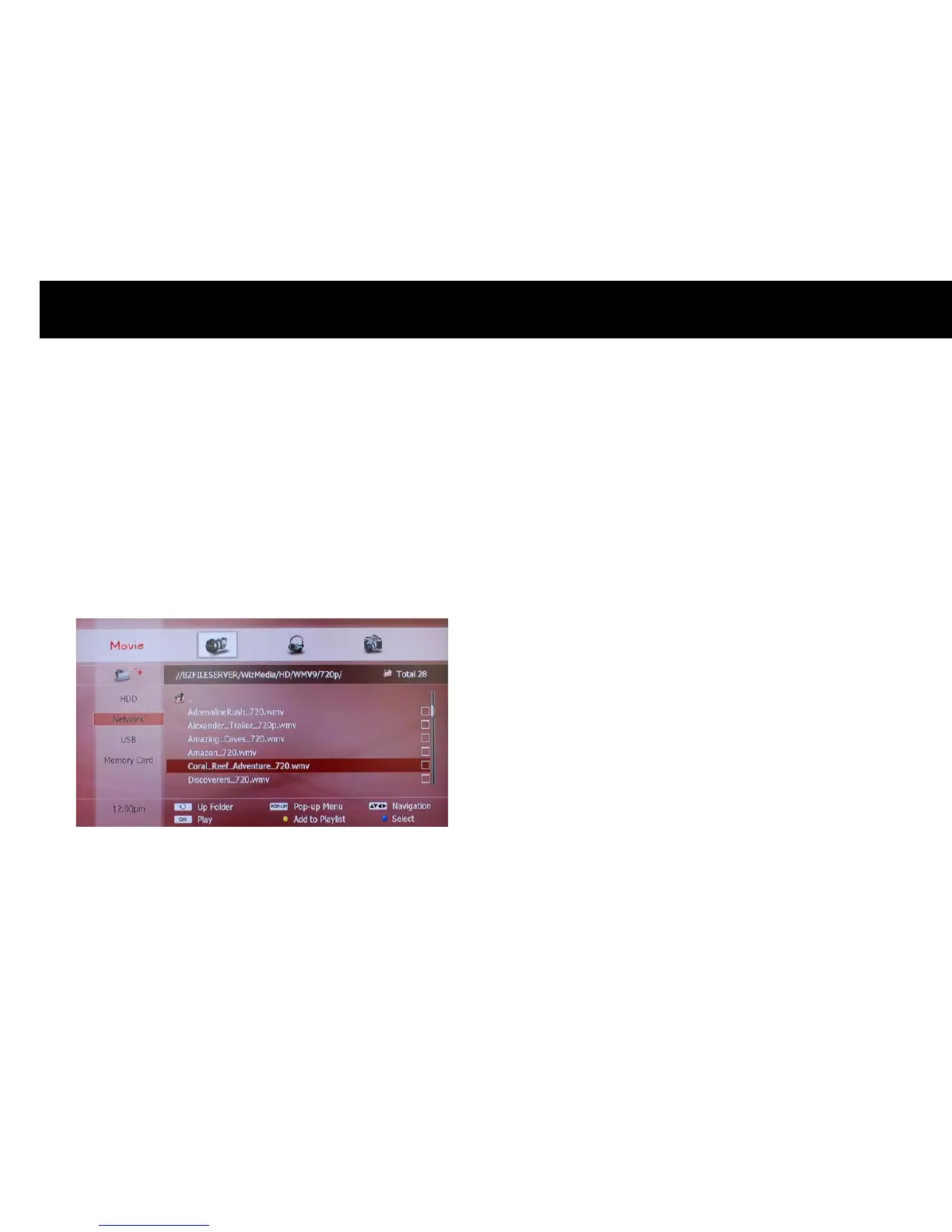
To play a movie, please select the “Movie” icon on the top menu and
select what you want to play on the file list; as explained in the
previous section, select a device or storage on the left menu with the
OK
button to enter the file list. You can choose a file or folder with the
UP/DOWN
buttons on the file list. Once you choose a file, please press
the
PLAY
or
OK
button to play the file.
NOTE
z
It takes a few minutes to start playing depending on the content
format.
z
If you want to play the previous or next file as you are watching a
movie, please press the
PREV
or
NEXT
button.
z
A certain movie content could not play as it depends on the content
format.
z
If you are recording a service, the playback of high-definition movie
content can be limited.
z
The DP-P2 plays the successive files in the same folder after playing a
file unless you press the
STOP
button.



 To Next Page