File Management
83
7. File Management
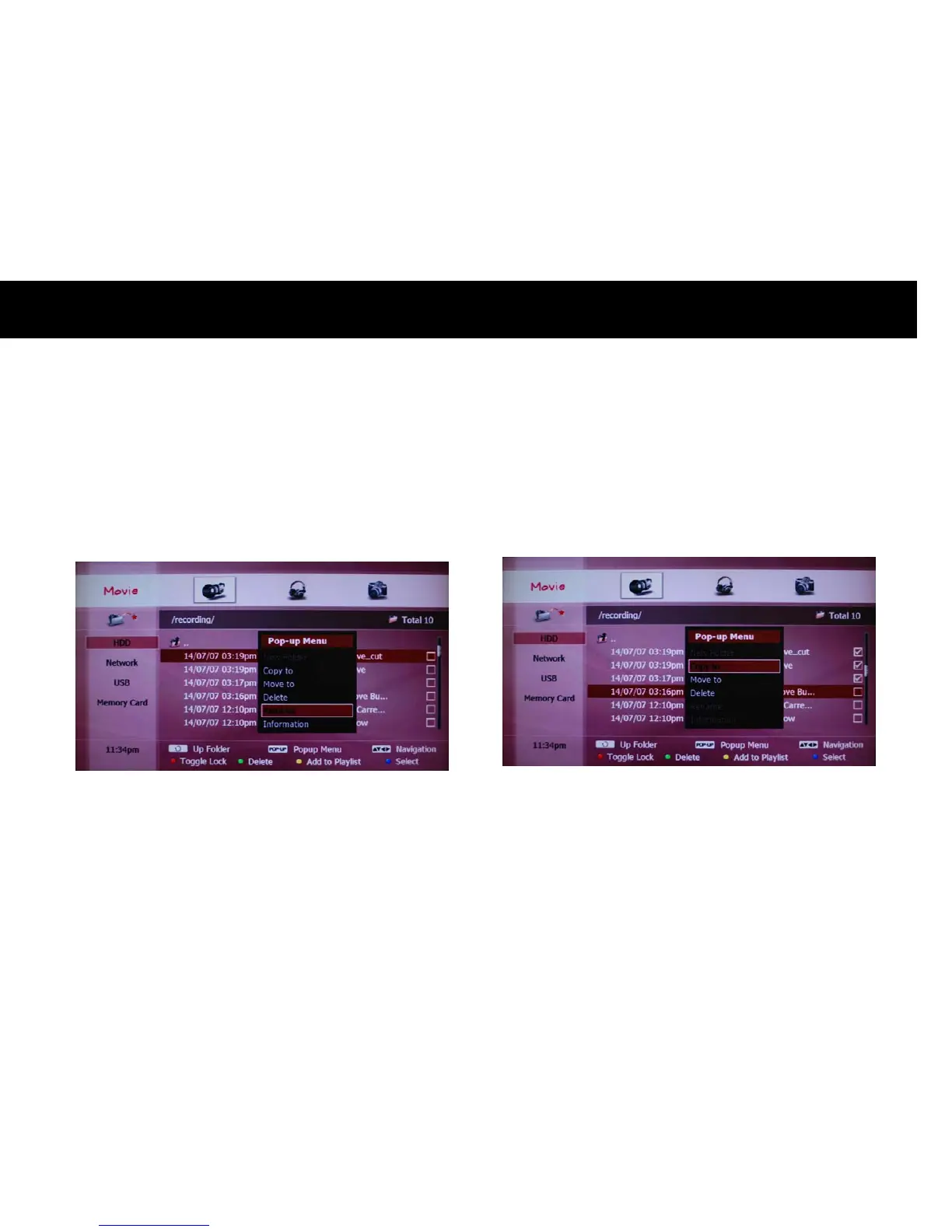
1. Rename
You can rename a recording file stored on the onboard HDD. Please
select a file on the FLIE PLAY menu and press the
POPUP
button. A list
of extended menus will be displayed. Please select “Rename” menu with
the
OK
button.
You can edit the file name with the on-screen keyboard. Please select
“Save&Exit” with the
OK
button after editing. You can cancel editing
and exit with the
EXIT
button.
NOTE
z
You can not rename more than one file with the same name at the
same time. Therefore, the “Rename” menu will be disabled if you
select more than one file.



 To Next Page