Quick Setup
30
2-4.
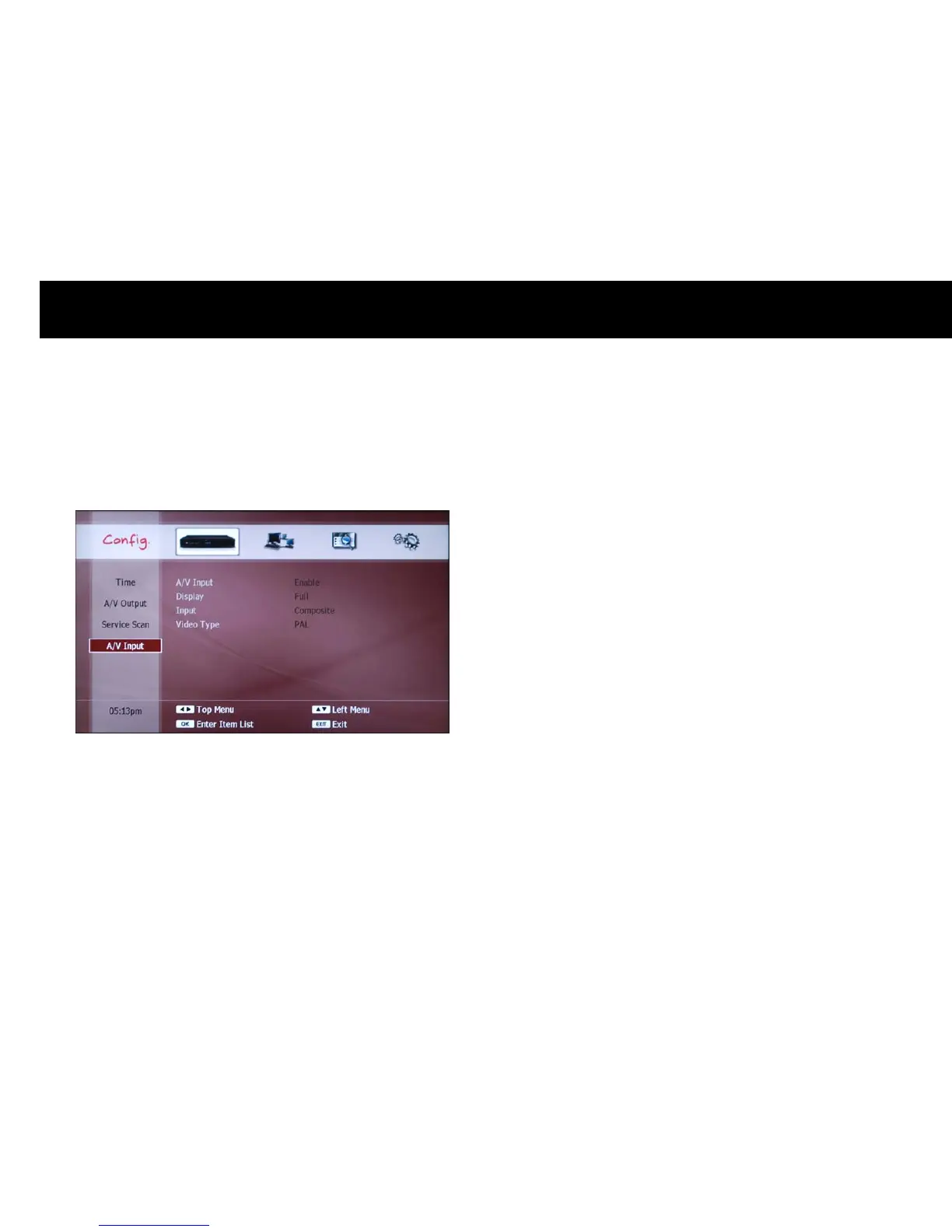
A/V Input
You need to configure the A/V input ports according the external A/V
device connected to the DP-P2.
z
A/V Input: You can enable or disable the A/V input ports; if the A/V
input is enabled, a new service named with “950 A/V Input” will be
listed on the service list. You can watch and enable the PVR functions
to the external A/V signals by selecting the 950 service.
z
Input: The DP-P2 can receive either the Composite or S-VIDEO signal
at a time. Therefore you need select one of these according to the
video input connection.
z
Video Type: You need to set the video type according to the external
A/V device.



 To Next Page